Godox P100 Review: Is This Mini Smartphone Photo Printer Worth It?
- Marvin Kuhn
- Experience report , Accessories
- 26 November 2026
Table of Contents
I think photos should be printed. A picture on your phone gets a quick look and then disappears into the camera roll. A print gets passed around: people hold it, look at it and keep it. That gives a photo far more sentimental value than any digital copy. That is exactly why I tried the Godox P100, a small printer that outputs business-card-sized photos straight from your phone.
Why print at all?
We take more photos than ever and still hardly look at them. They sit in the camera roll by the thousand, get shared once and are forgotten. A printed photo works differently. It gets passed around, people talk about it, and it ends up on the fridge, in a wallet or inside a card. When someone is given a photo, they keep it.
That’s why I print my photos, especially the ones with other people in them. A small printer you can take anywhere is ideal for this: the picture is taken and handed out right away, while the moment is still fresh.
Godox P100: specifications at a glance
The P100 is a pocket-sized dye-sublimation printer. It connects to your smartphone via Bluetooth, and pairing works via NFC. After each print it automatically applies a protective overcoat which, according to Godox, protects the print against dust, water and fingerprints. I tested the P100 with one to two cartridges, so 10 to 20 prints.
| Specification | Value |
|---|---|
| Printing technology | Dye sublimation |
| Resolution | 300 dpi |
| Print area | 85 × 53 mm (business card format) |
| Paper size | 97 × 53 mm |
| Overcoat | applied automatically after each print |
| Connectivity | Bluetooth, NFC pairing |
| App | Godox Cam (iOS and Android) |
| Battery | 800 mAh, 5.94 Wh |
| Dimensions | 142.5 × 86.8 × 26.8 mm |
| Weight | approx. 320 g |
| Paper | cartridge with 10 sheets, refills in packs of 20 (2 cartridges) |
Manufacturer specifications according to Godox; print area and paper size measured myself.
Small, handy and battery-powered
The P100 is small and handy. It fits in any camera bag, and thanks to its built-in battery it doesn’t need a power socket. It charges via USB-C, and the battery never ran out on me during testing. That means it’s right there where the good moments happen: at a party, on holiday, visiting family or after a shoot. Take the photo, pick it in the app, print it and hand it over. I find this great at shoots and when travelling, because you have the pictures in your hand right away. And it’s simply fun.
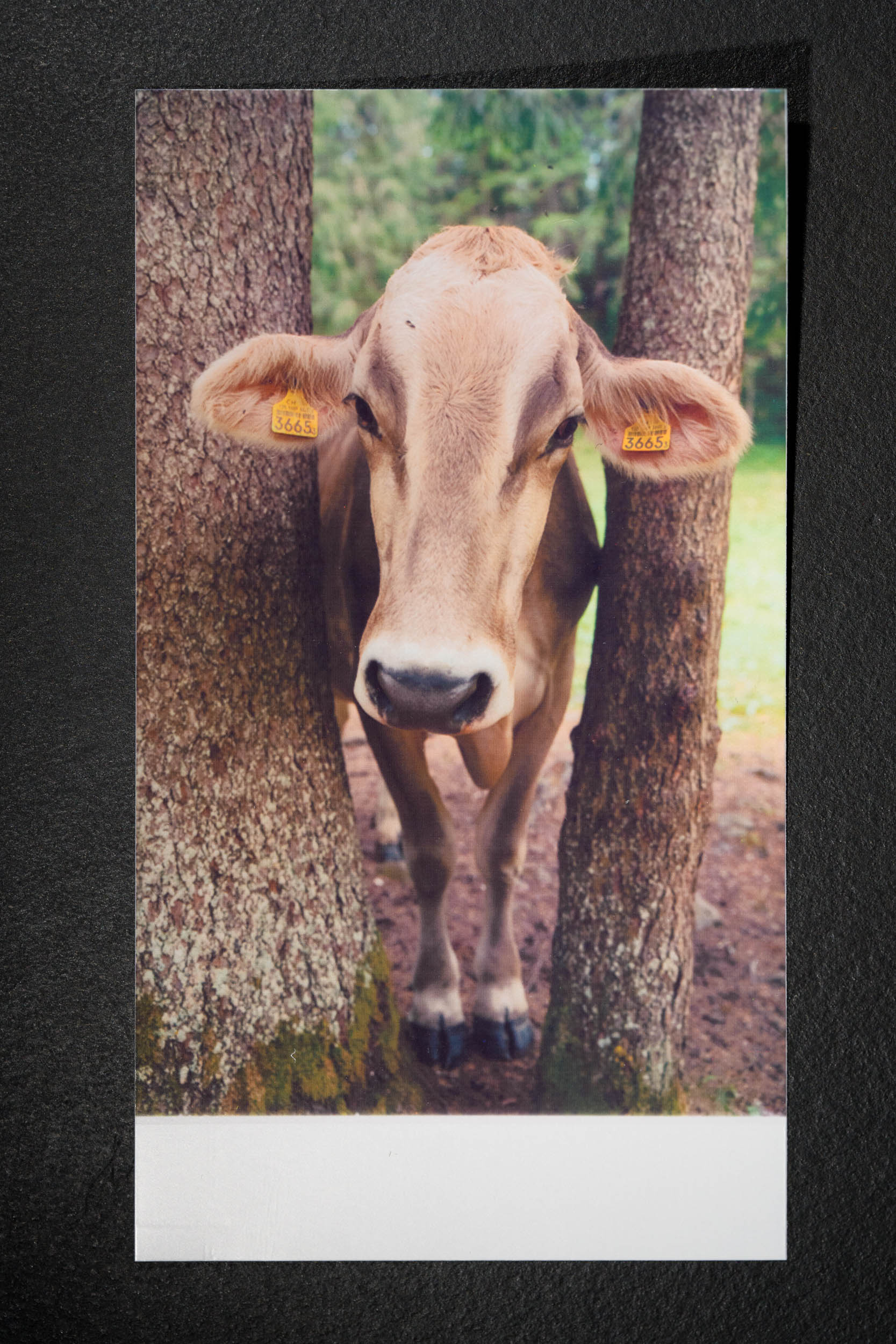
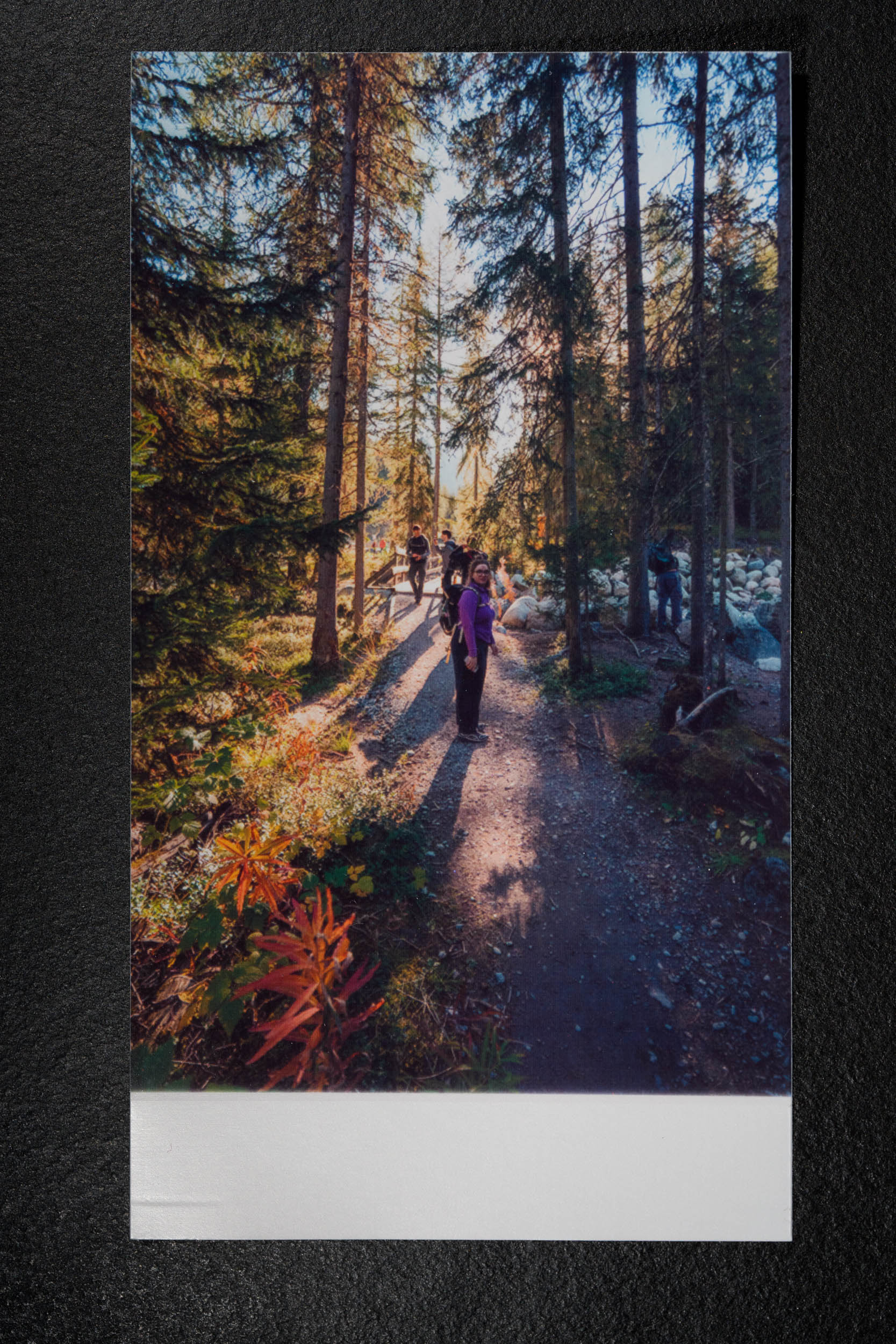
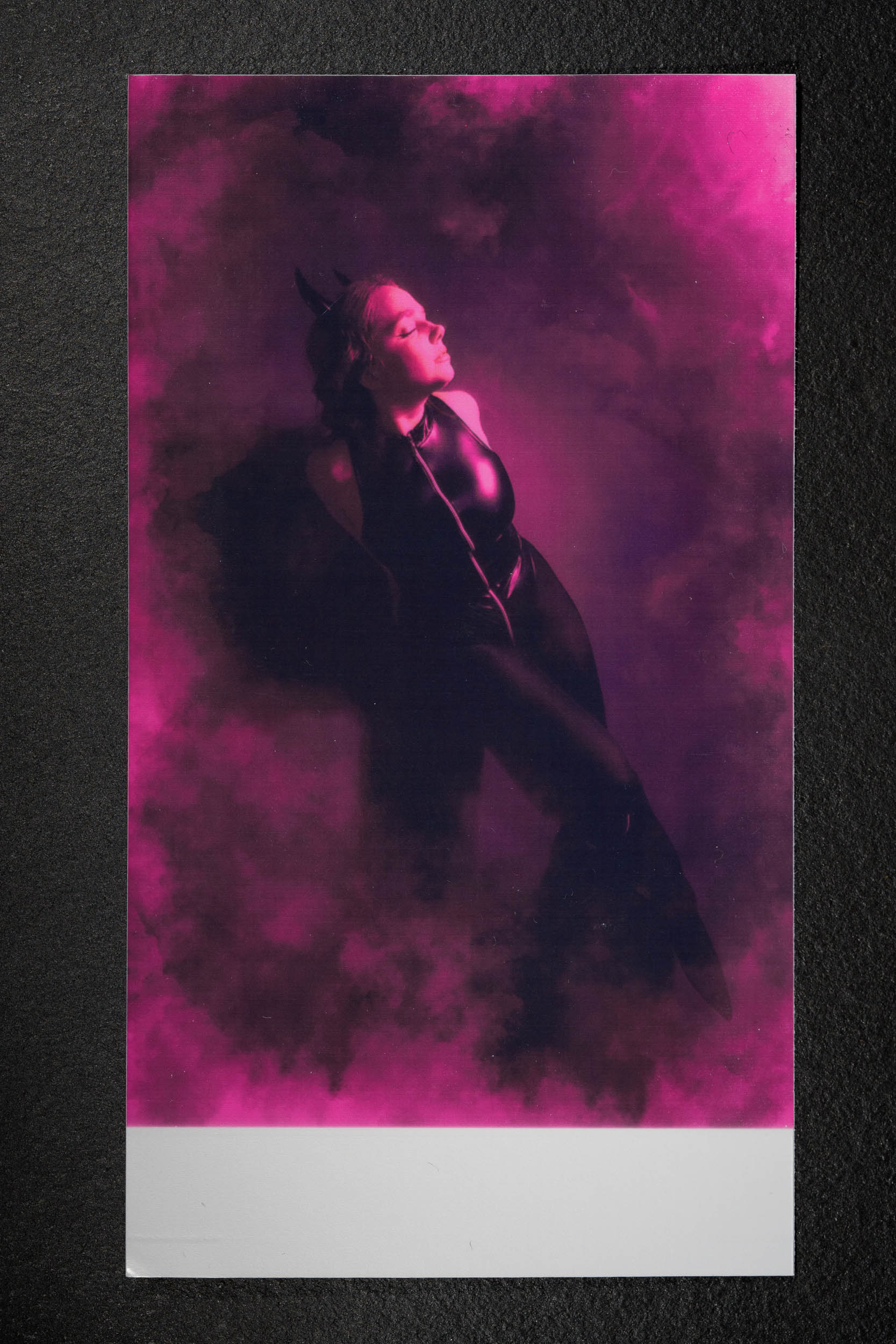
The format is fairly small, though, more like a small business card. The P100 doesn’t print fully borderless: the picture goes right to the edge at the top and sides, but a strip is left blank at the bottom. There’s no peel-off sticker backing; the back is plain paper. That works well for a wallet, a pinboard or tucked into a card, and it’s big enough for passport photos too. The app even has a template for them. There are mini photo printers with larger paper whose prints look more like Instax photos. Unfortunately, no such formats exist for the P100.
How good is the print quality?
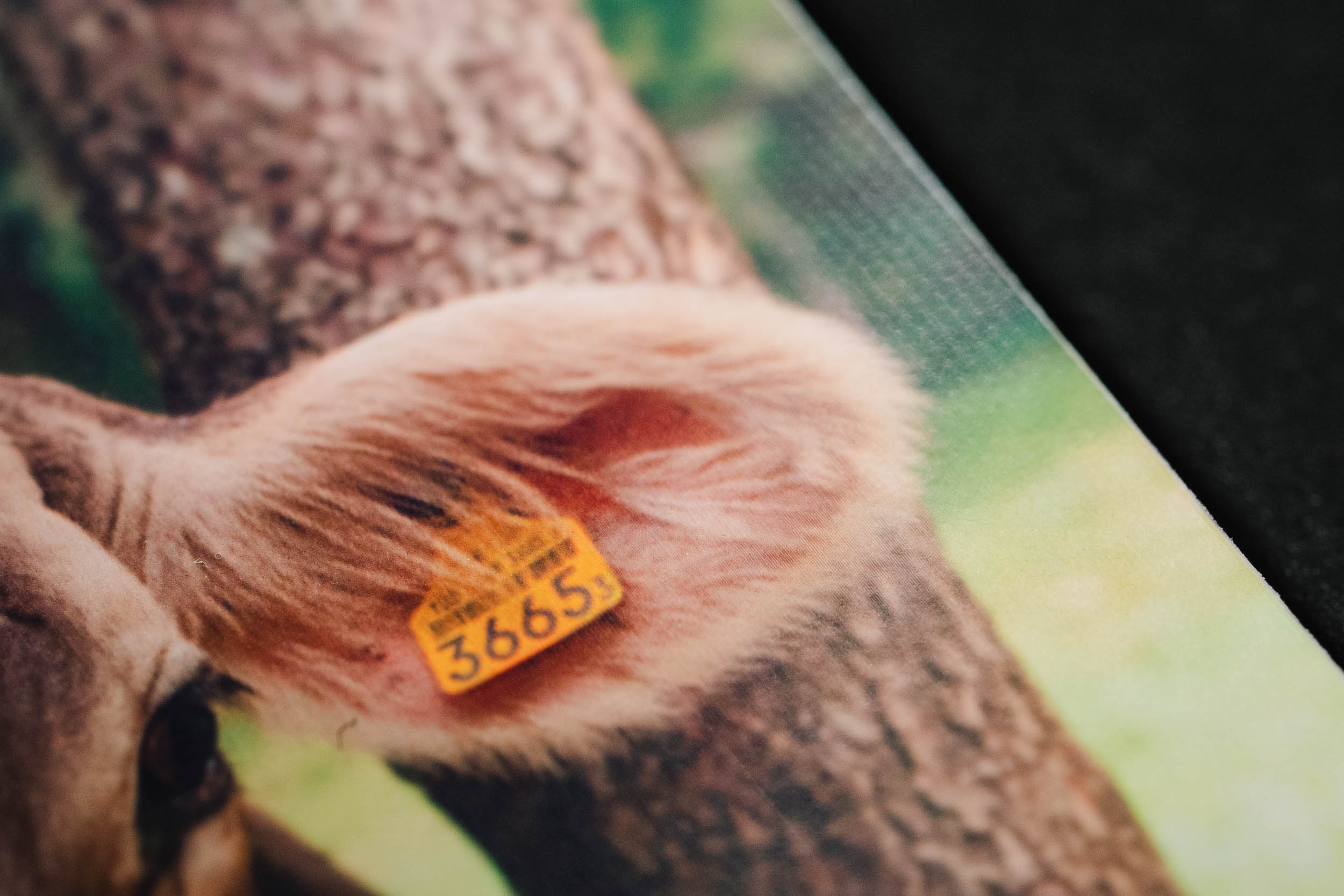
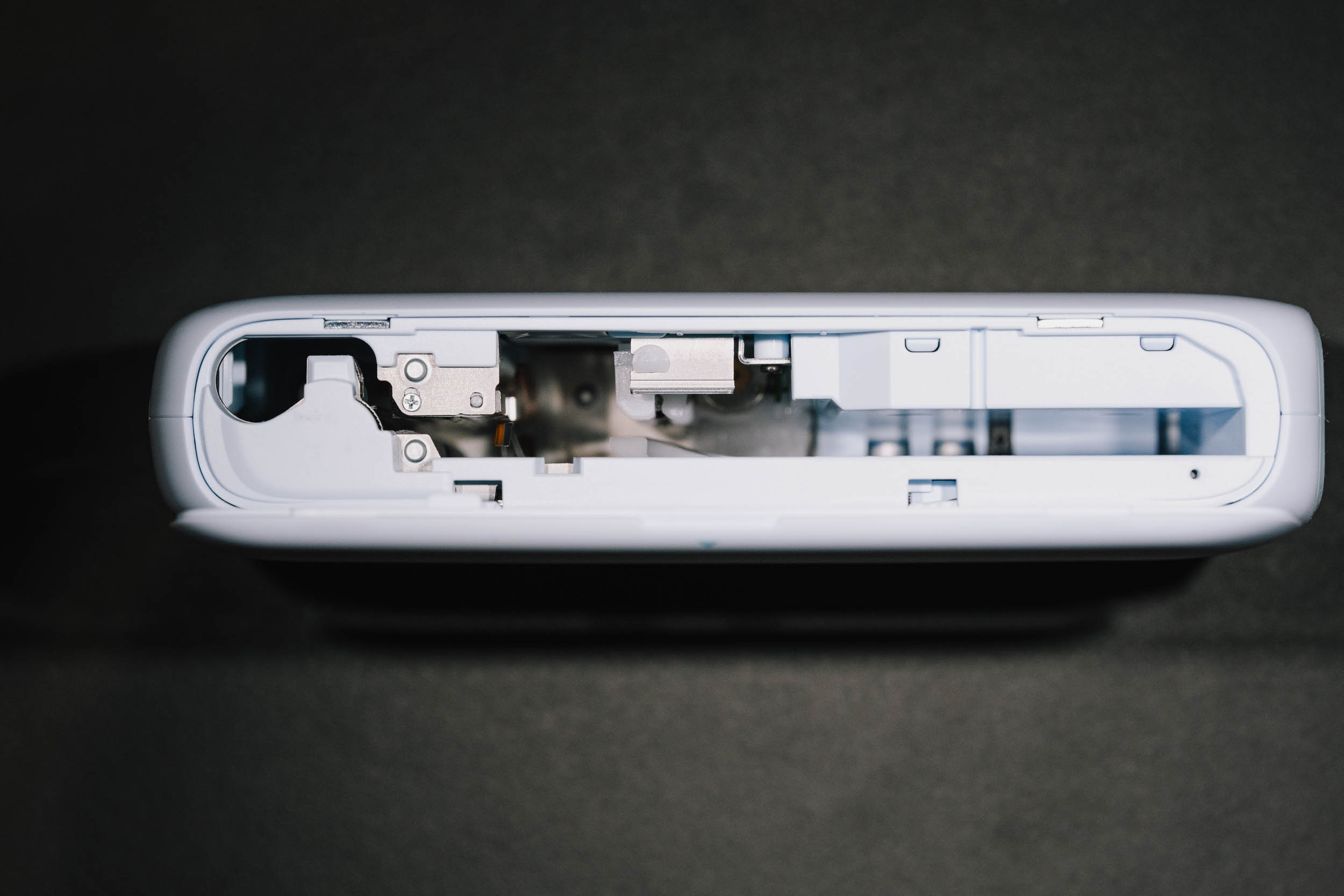
Print quality is good. The prints look almost a little three-dimensional, as if they had a slight 3D effect. Despite the stated 300 dpi, don’t expect the finest detail, but on average the pictures are far from bad. Compared with the phone screen, the colours look a little paler, but only slightly. What bothers me: the rollers that pull the paper through the printer grip very tightly and leave visible marks along the sides of the print. It can’t quite keep up with a print from a photo lab, but it doesn’t need to. If you want a picture for the wall, order it from a lab. If you want to hand out ten pictures in one evening, the P100 is the right tool.
Cost per print and paper
Printing costs are average: at around CHF 1 per print, they’re neither particularly cheap nor noticeably expensive. Paper and ink ribbon come together in one cartridge, and one cartridge lasts exactly 10 sheets. So you’re never left with half a ribbon. The flip side: if you want to print more than 10 pictures on the go, you always have to bring whole cartridges.
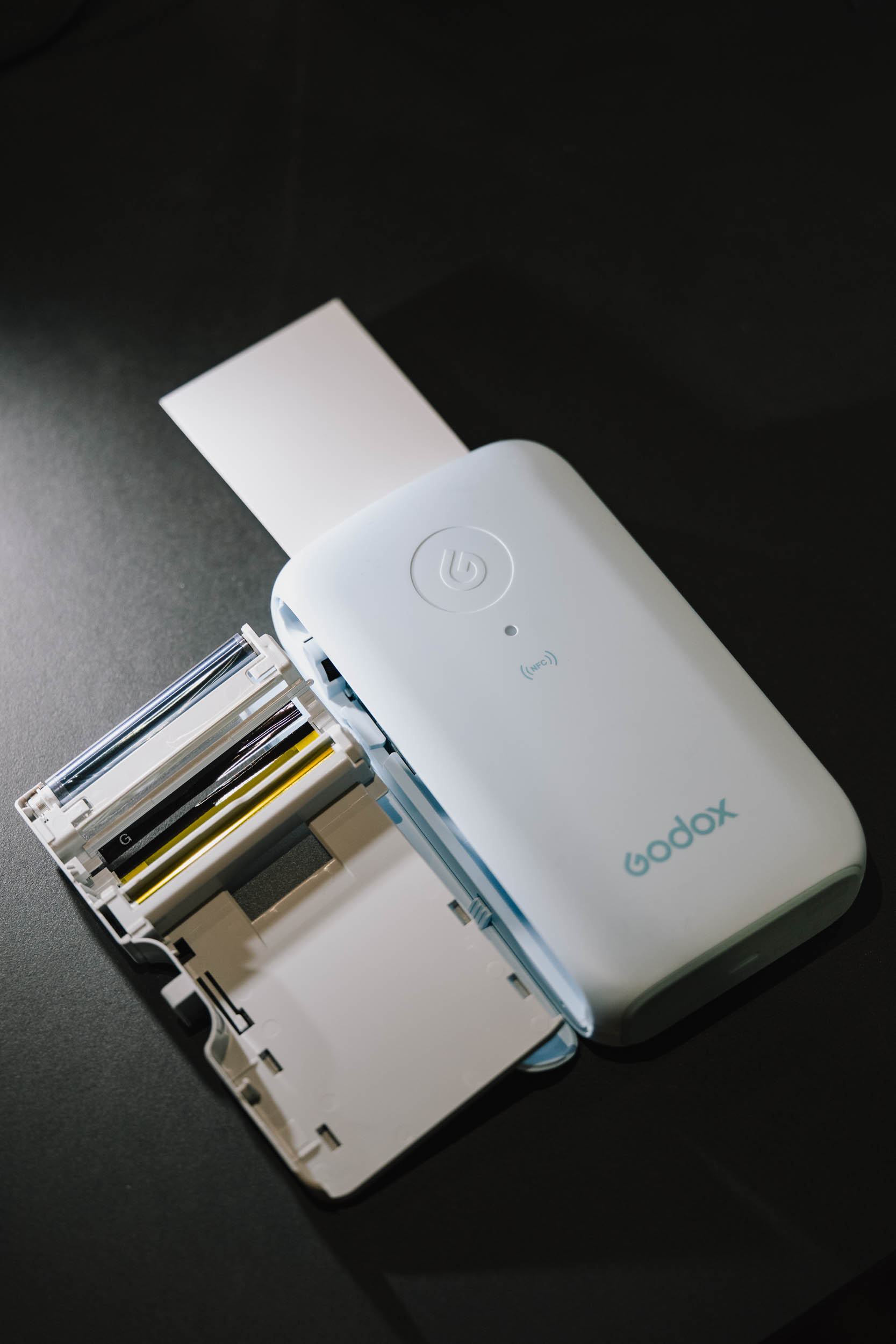
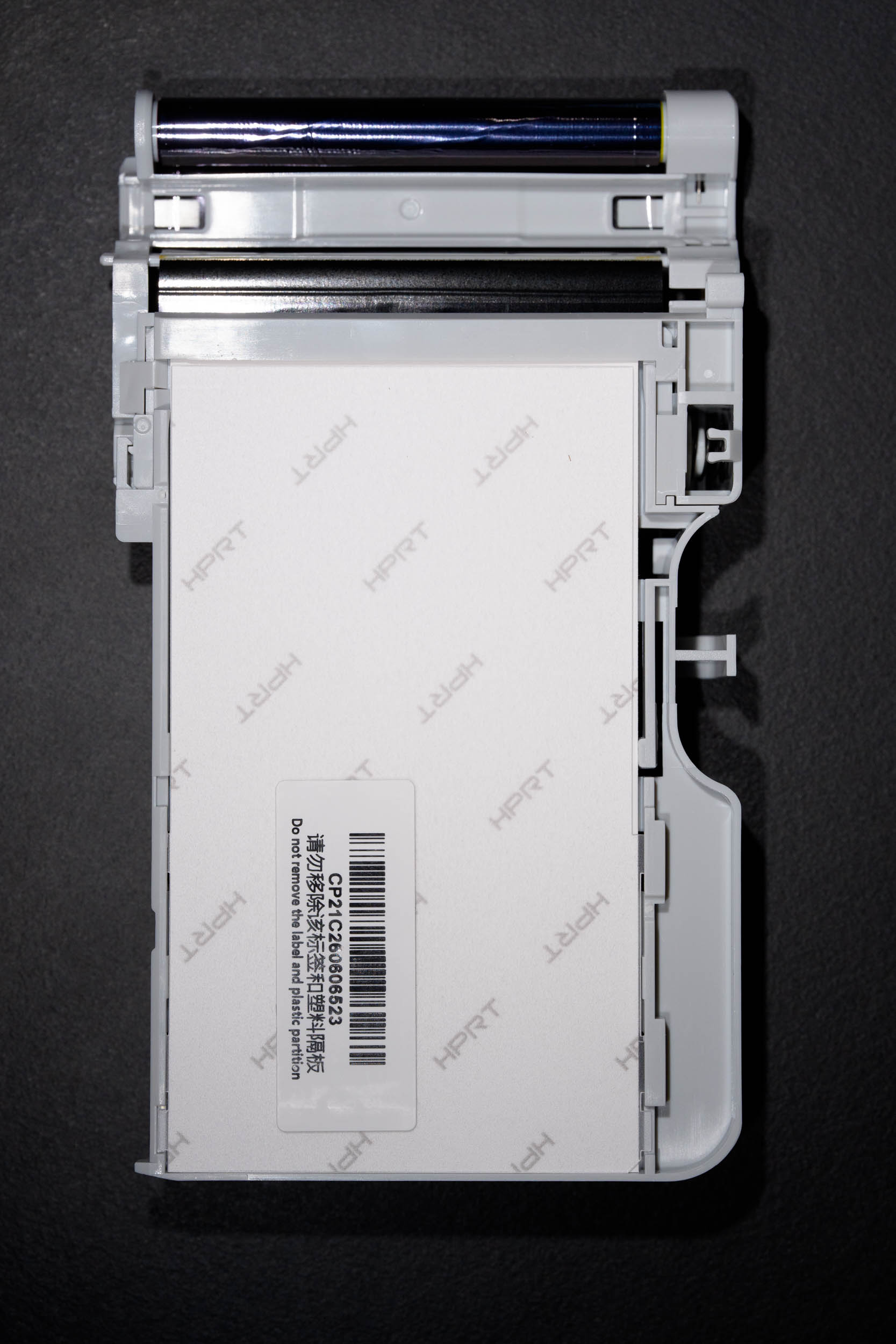
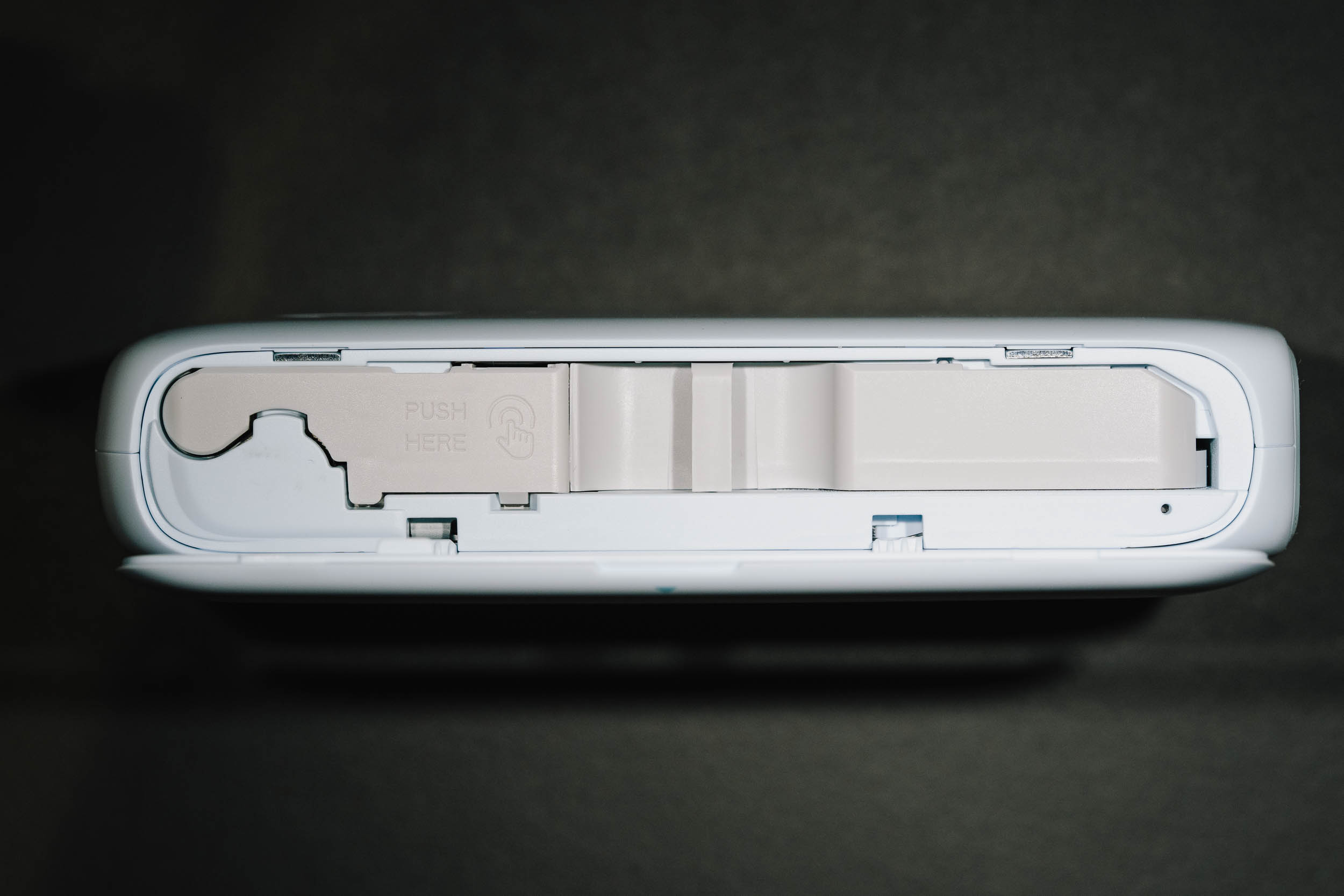
Refill paper only comes in packs of 20; unfortunately there are no larger packs. And it isn’t cheaper than other mini photo printer brands. The consumables don’t give it a price advantage over the competition.
What’s annoying is that a sheet can get stuck in the printer. It happened to me once. Because the rollers grip the paper so tightly, it then takes a lot of force to pull the sheet back out. The picture can’t be printed after that, and since you can’t reinsert the sheet, it’s lost. At around CHF 1 per print, that stings a little.
Godox Cam app, NFC and connection
Printing only works through the Godox Cam app; without a phone and the app, nothing happens. Pairing uses NFC: hold your phone to the printer and the connection is set up. That’s handy, but it can take a while until the phone finds the printer. Once connected, printing is fairly fast: a picture is done after 30 to 60 seconds.
The layouts in the app are limited. If you want more design options, such as frames or text, prepare the picture in another app first and then print it through Godox Cam. The app could also help more with placing pictures: there are no guides for a picture to snap to, and it doesn’t snap to the edges either. Lining up a picture neatly takes a bit of finesse.
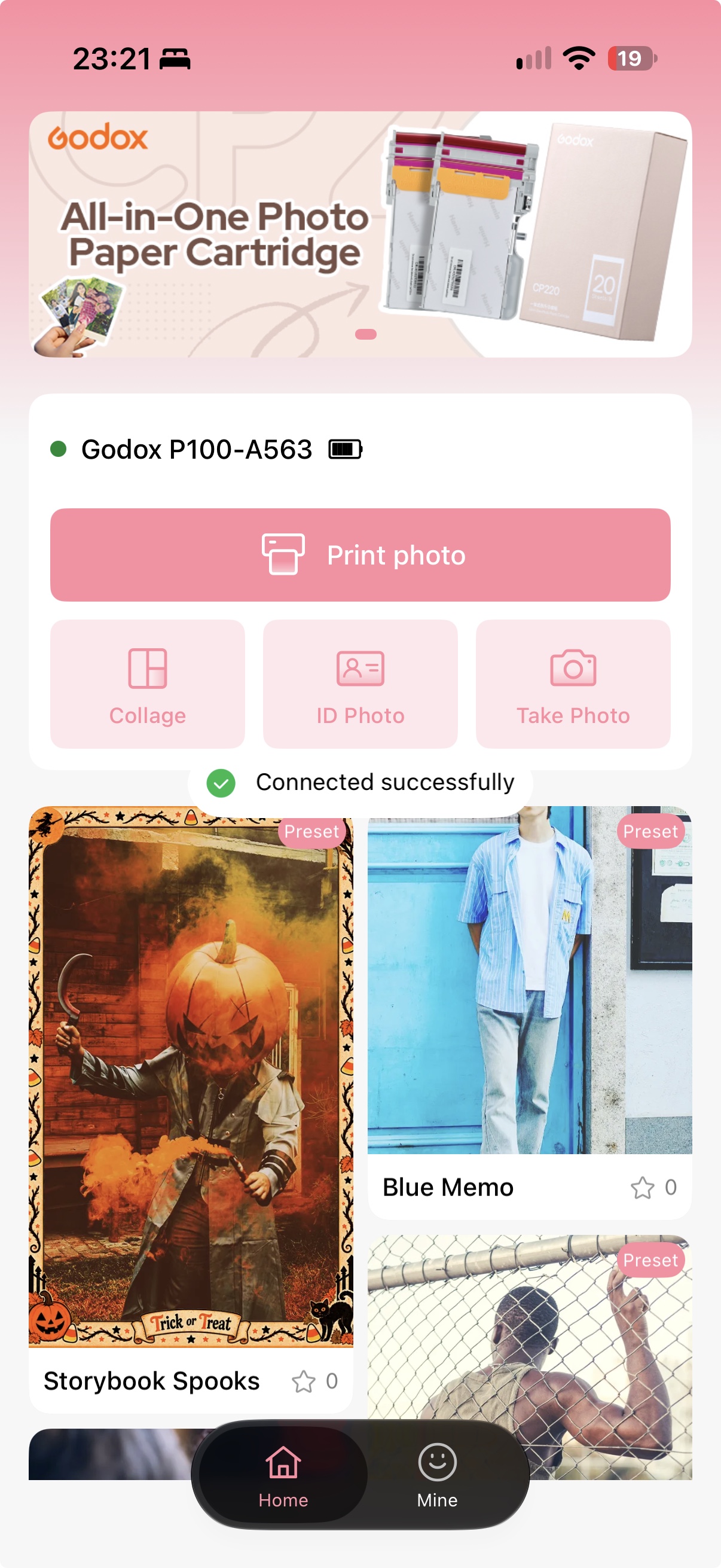
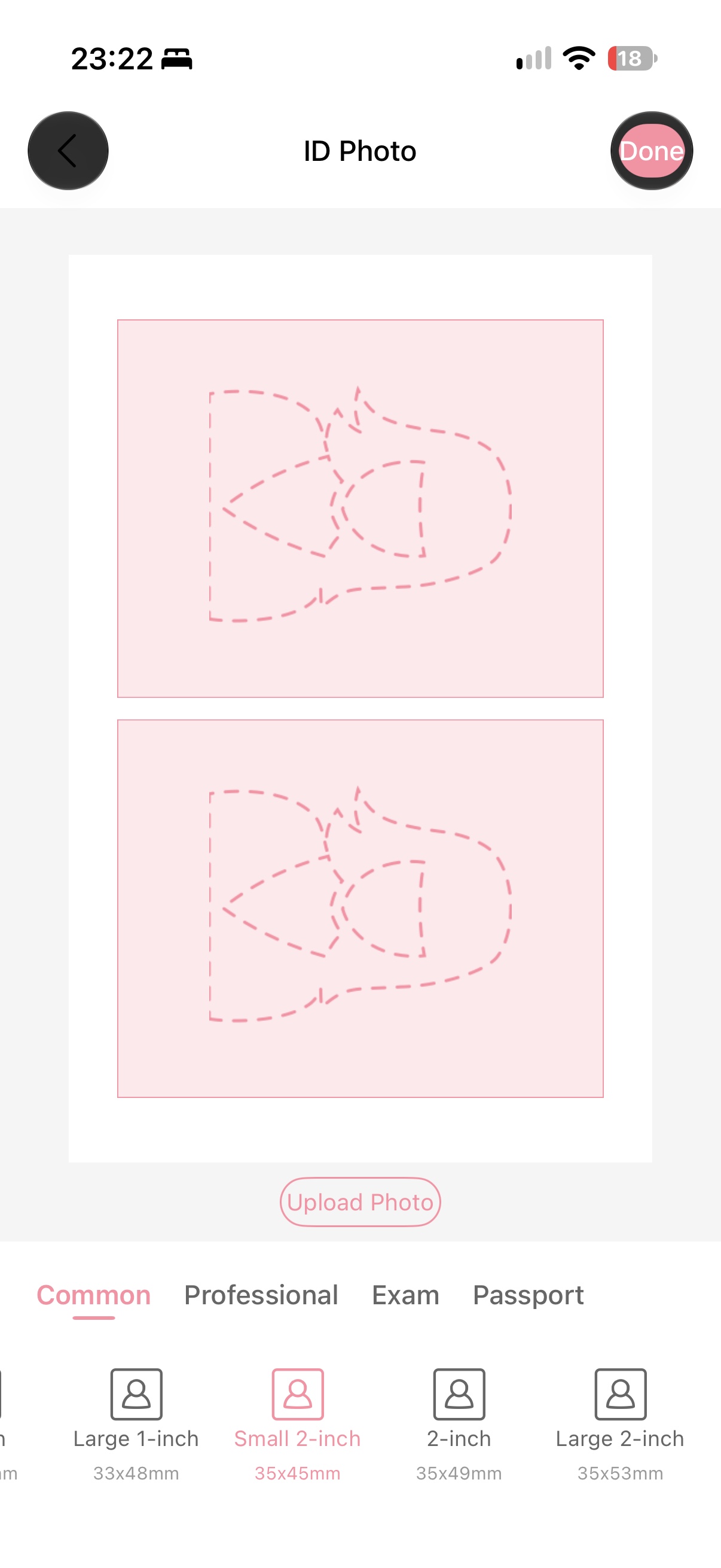
Godox says the app shows how many sheets are left. In everyday use, though, I never knew how many were left and only noticed when the paper ran out. And it isn’t known what support for the P100 looks like. For a device that depends on an app and its own paper, that matters.
Tips for everyday use
- Pack a spare cartridge: since you can’t be sure how many sheets are left, a second cartridge belongs in your bag, especially at parties.
- Charge before packing: the battery is what makes the P100 portable, so charge it fully before it goes in your bag.
- Prepare your pictures: crop and design them beforehand, because the layouts in the app are limited.
- Bring some patience: every time you switch the printer on, the phone has to find it again, and that can take a while. Don’t worry if it doesn’t work straight away; the connection will come.
The Godox P100 as a Christmas present
The P100 makes a good Christmas present, especially for people who take lots of photos on their phone and never print them. And the prints are little gifts in themselves: at a family gathering, as a reminder of a day out together, or just because. I have yet to meet anyone who wasn’t happy to receive a printed photo.
Godox P100: pros and cons
Strengths
- Compact and portableSmall, with a battery that never ran out during testing. Ideal for shoots, travel and parties.
- Good print qualityPrints with a slight 3D look, done in 30 to 60 seconds.
- Handy formatBusiness card size for handing out, big enough for passport photos, with a template in the app.
- Simple consumablesPaper and ribbon in one cartridge, around CHF 1 per print, nothing left over.
- Brings joySimply fun, and the prints make lovely little gifts.
Weaknesses
- Very tight rollersThey leave marks along the sides. A stuck sheet takes a lot of force to pull out and is lost.
- Image quality trade-offsNot the finest detail despite 300 dpi, colours slightly paler than on screen.
- Small formatThere is no larger paper for the P100, for example in an Instax-like size.
- Paper and cartridgesOnly in packs of 20 and no cheaper than other brands. Every 10 photos need a whole cartridge, and you can’t tell how many sheets are left.
- App and connectionPrinting only works through the app, pairing can take a while, layouts are limited and there are no alignment guides. Support for the product is unclear.
Conclusion: is the Godox P100 worth it?
The Godox P100 is no replacement for a photo lab, but that isn’t the point. It puts photos from your phone into people’s hands, and that is what makes it worthwhile. Small, battery-powered and quick to print, it’s a great companion for shoots and travel, and it’s simply fun. The prints look good, even if they don’t show the finest detail and the format is on the small side.
I recommend the P100, but with its drawbacks in mind: the connection sometimes takes patience, the app offers little help with layout, paper only comes in small packs, and if a sheet gets stuck, it’s lost. If you can live with that, you get a printer that turns photos back into memories you can hold. And it looks good under the Christmas tree too.

Product Comparison

Godox P100 Mini Photo Printer
Features
- Dye sublimation, 300 dpi
- Print area 85 × 53 mm
- Battery, charges via USB-C
- Bluetooth with NFC pairing

Godox P100 Refill Paper
Features
- 20 sheets (2 cartridges)
- Paper and ribbon in one cartridge
- With automatic protective overcoat
Disclaimer:
The Godox P100 was provided to me by Godox for this review, and I was allowed to keep it after the test. I received no compensation for the review or its publication. All impressions and opinions are my own, based on my experience with the printer, and were not influenced by external parties.


