Zhiyun Molus X100 RGB Experience Report: A Lot of Light in a Small Package
- Marvin Kuhn
- Experience report , Lights
- 10 November 2026
Table of Contents
I had already measured the Zhiyun Molus X100 RGB in the lab, and the lab report painted a rather mixed picture. Plenty of power, strong RGB colours and really beautiful warm light, but a colour temperature in the daylight range that doesn’t quite hit the mark. But what does that actually mean when you work with the light? That’s exactly what I wanted to find out. Is the X100 RGB bright enough, what do skin tones look like, and how much does the inaccurate colour temperature get in the way day to day?
To find out, I used the light on photo shoots, including a Halloween shoot, and as a key light for videos. I shot photos and video with my Sony A1 II. The X100 RGB is made for both, so it had to handle both.
ZHIYUNMM10 at checkout to save 10% when buying the Zhiyun Molus X100 RGB via Amazon. The spotlight attachment is also available on Amazon.
First Impressions
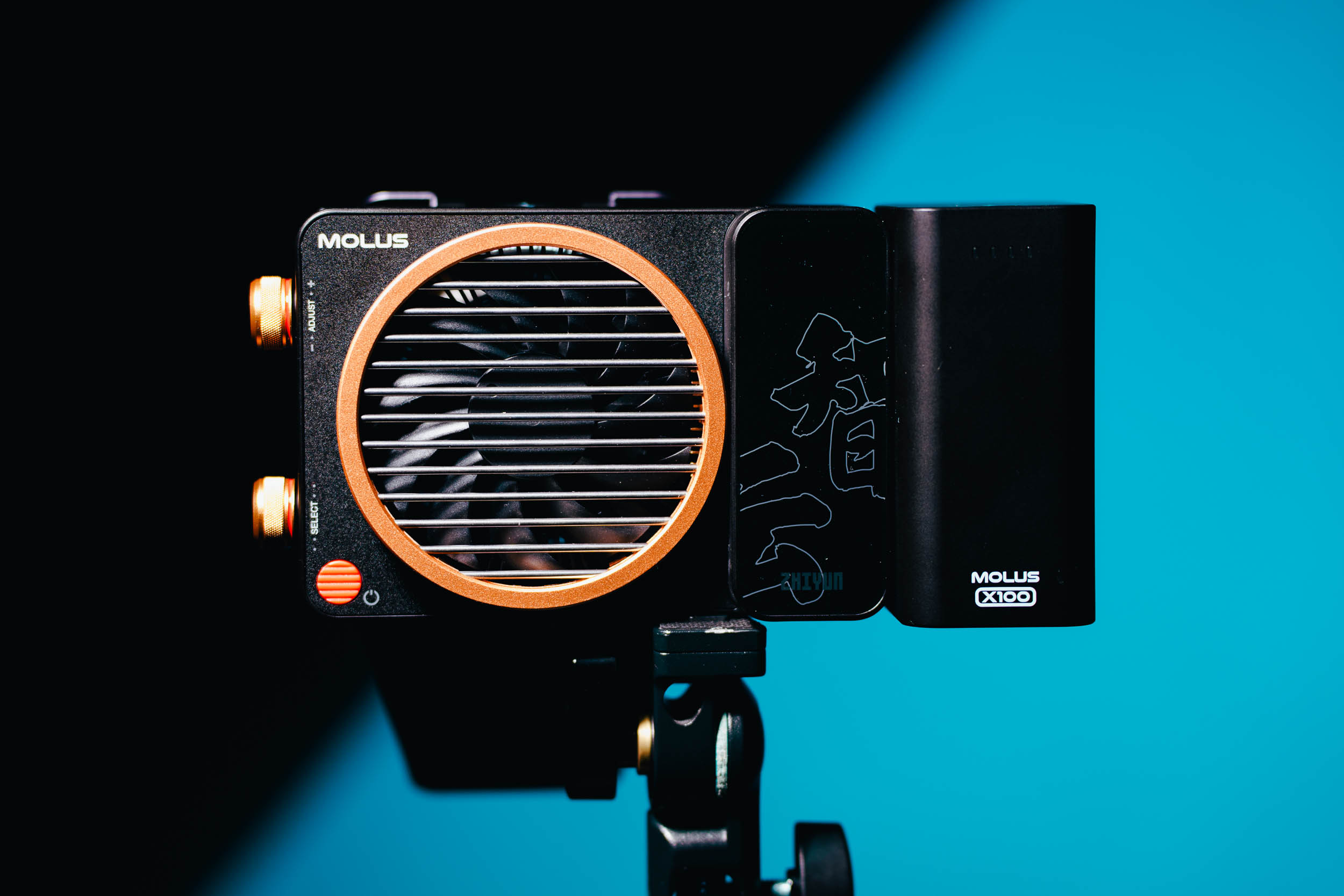
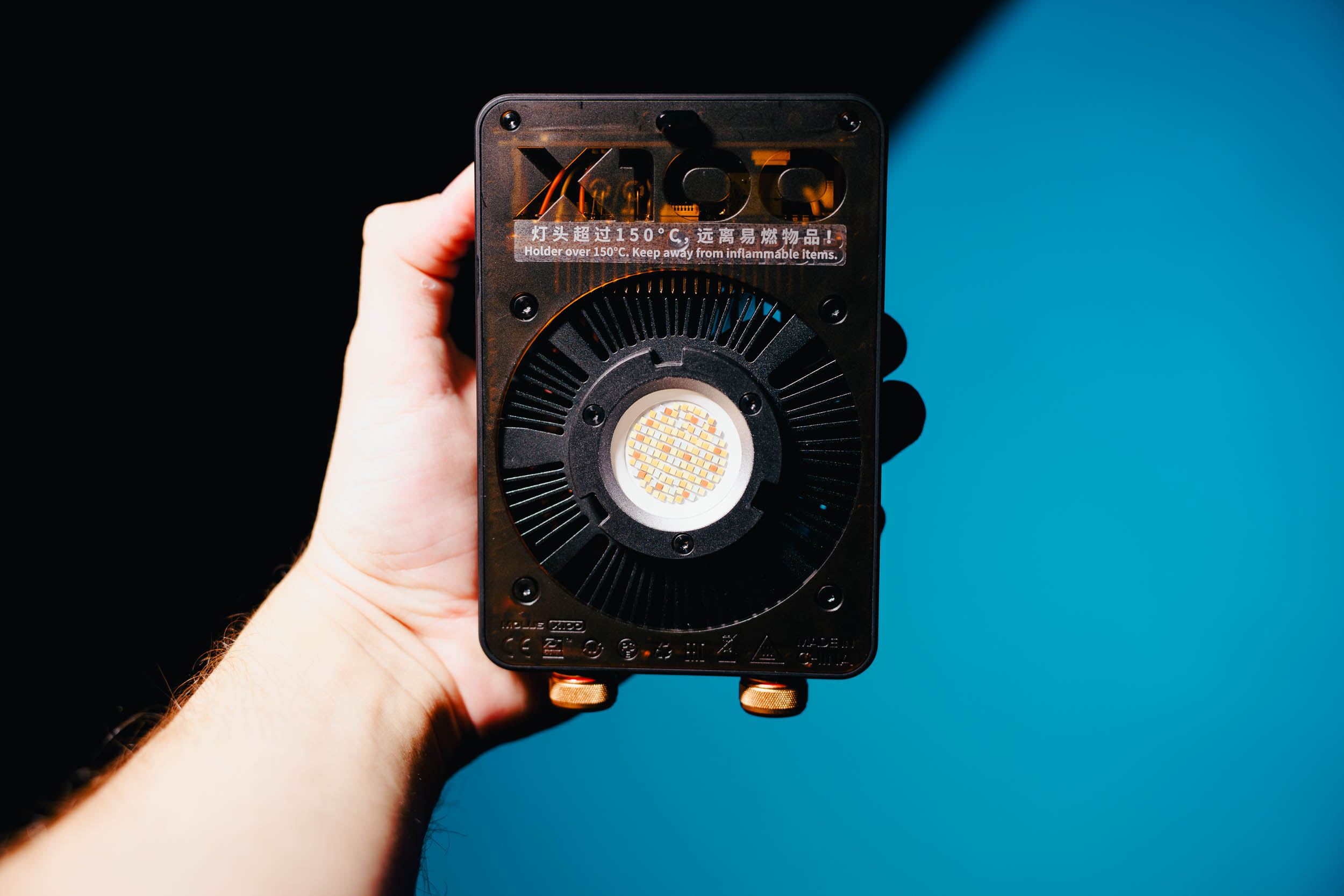
The first plus point comes right when unboxing: the X100 RGB ships in a really good case. My kit included the battery with battery grip, a reflector with lens, barndoors, the power supply and a USB-C cable. So basically everything you need. The case holds the light, the battery, the power supply, the reflector and the barndoors, and you can even attach the softbox to the outside. For my taste, though, the power supply cable could have been a bit longer. And what I really miss is a tilt bracket. More on that later.
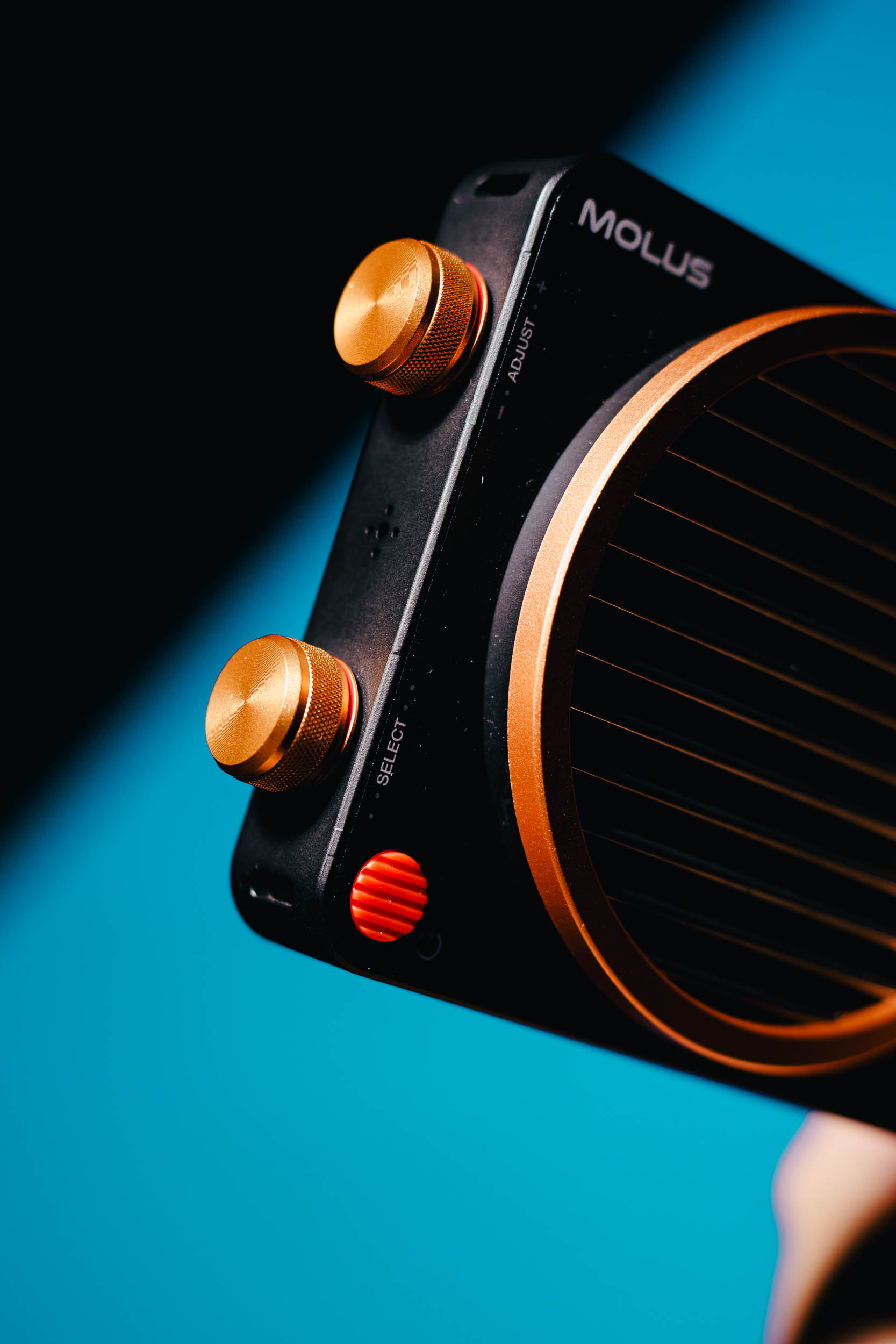
The light itself is very small and light. With the battery grip you can even hold it comfortably in your hand. The housing is plastic, but it feels solid, and the control knobs are metal. Nothing about it feels cheap.
I’m less excited about the display. It’s monochrome only, and the menu doesn’t feel very modern anymore. Honestly, the M60Ultra and other lights with a colour screen have spoiled me a little. On top of that, there’s no auto power-on. When you connect the light, it stays off and has to be switched on by pressing and turning every single time. Unfortunately, you can’t change that.
That’s why I mostly controlled the X100 RGB through the ZY Vega app anyway. The app runs stably, is easy to use and lets you set everything you need. As with the Molus G200, I especially like the CCT match mode with the camera, as well as the groups and presets, which are quick to set up.
Accessories: Bowens Adapter, Softbox and Projector
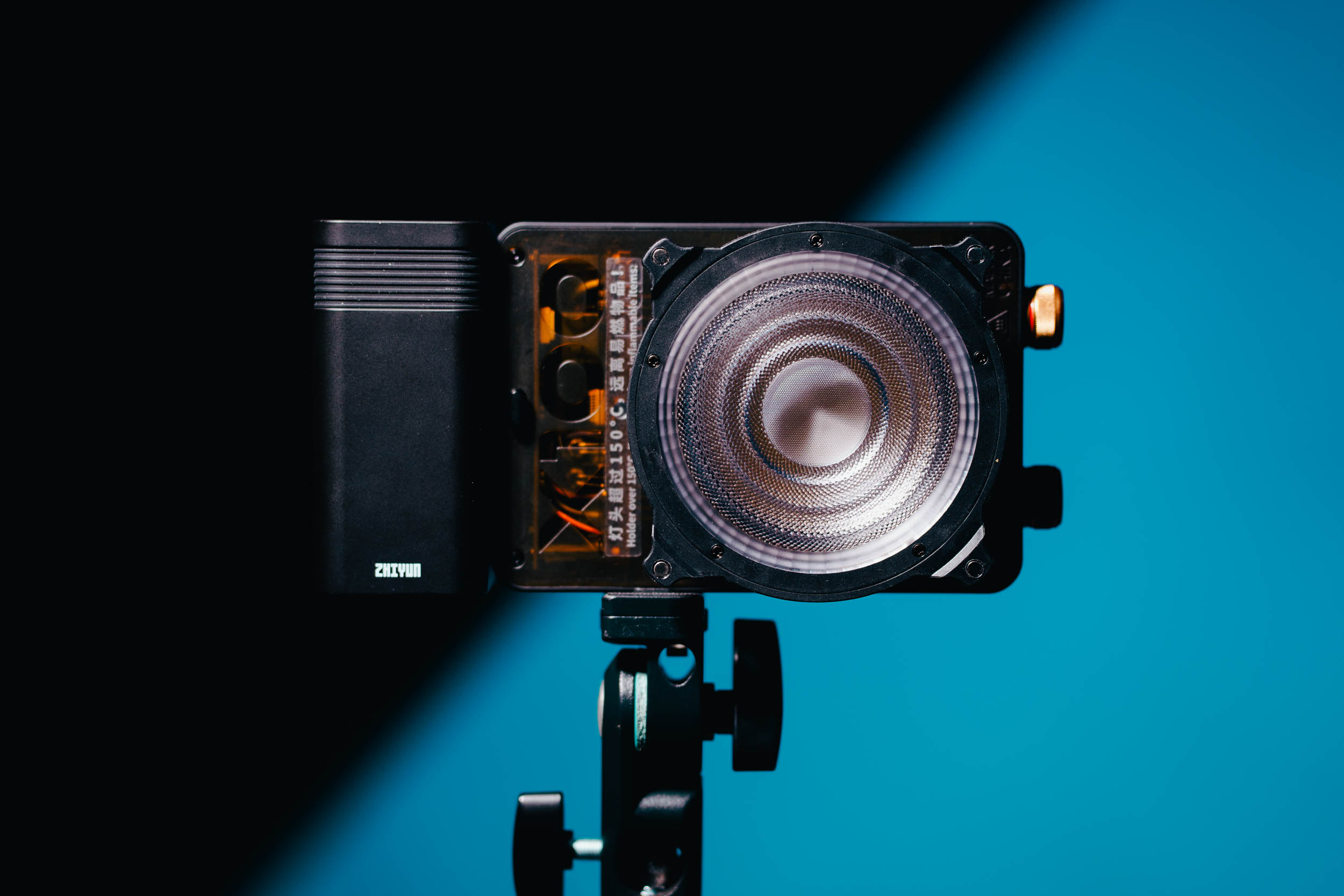
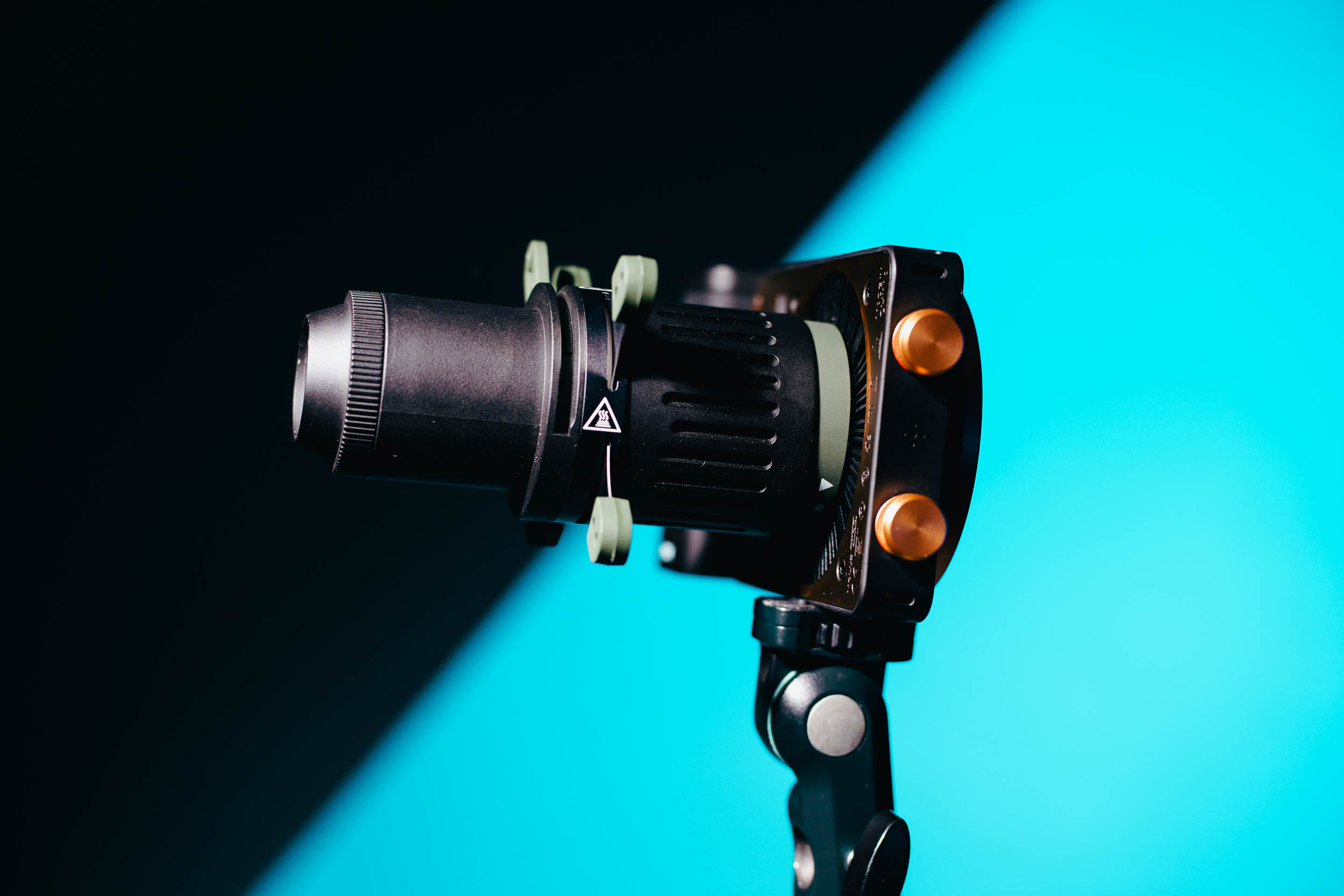
On top of the standard kit, I also received the Bowens adapter, a 40 cm softbox and the projection attachment. The Bowens adapter and the projection attachment no longer fit in the case, though, so you have to store them separately. The X100 RGB uses its own Zhiyun mount. It only locks, however, if the modifier has a locking mechanism too. The Bowens adapter is a different story: it locks, is well made and holds standard modifiers meant for this size without any trouble. It does have a built-in reflector, though, so the light always passes through that reflector first.
And this brings us to the tilt bracket. The Bowens adapter has one, it just isn’t included as standard. Without the adapter, the light mounts via a 1/4" thread. That fits almost any stand, but you can’t simply use an umbrella. Honestly, I find that a real shame, because otherwise the kit is really well put together.
The softbox is an easy-open model, but still the older version rather than the new one you open with a single move. That doesn’t make it worse, though; it’s well made too. The projection attachment isn’t the highest-quality accessory I’ve ever held, but it’s functional and small, and it comes with plenty of gobos. It does swallow quite a lot of light, so I’d mainly use it with white light. The included reflector, like almost all LED reflectors today, has a built-in lens and does a decent job. It creates a bright area in the centre with a nice soft falloff towards the edge.
Halloween Shoot: Key Light and Silhouettes
For Halloween I only had one X100 RGB available and used it to create two very different looks. That’s exactly what I find exciting about an RGB light: with the same light, I can switch from a classic key light to a fully coloured look in a few minutes.
The first setup was a dark look with spider webs and a leather jacket. Here the X100 RGB with the included reflector was the key light, so exactly where white light and skin tones matter. The reflector makes the light nicely crisp, with clear shadows on the face, and the spider webs in the foreground light up beautifully. The skin tones look natural, and the red lips don’t look overdone either. More on that in a moment.



The second setup got truly devilish. Here I placed the X100 RGB in pink behind the model and worked with fog. Depending on the position, this creates complete silhouettes where only the horns, the hair and the outlines glow. If the light sits directly behind the head, it even becomes a glowing circle in the frame itself, almost like a halo. Pretty ironic for a devil, really ;). If the model turns slightly into the light, the face catches some pink too, and suddenly you have a completely different look without moving the light.
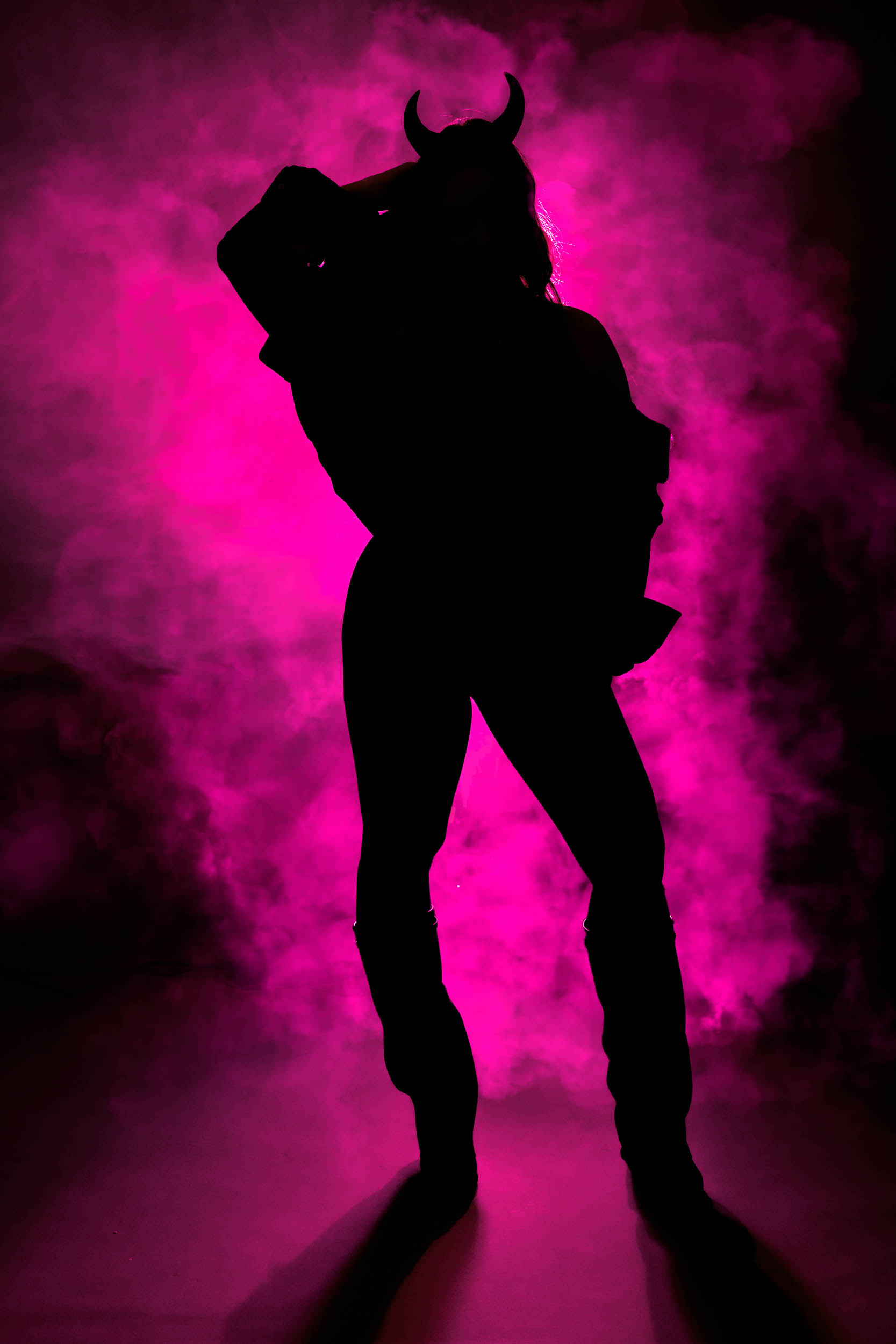
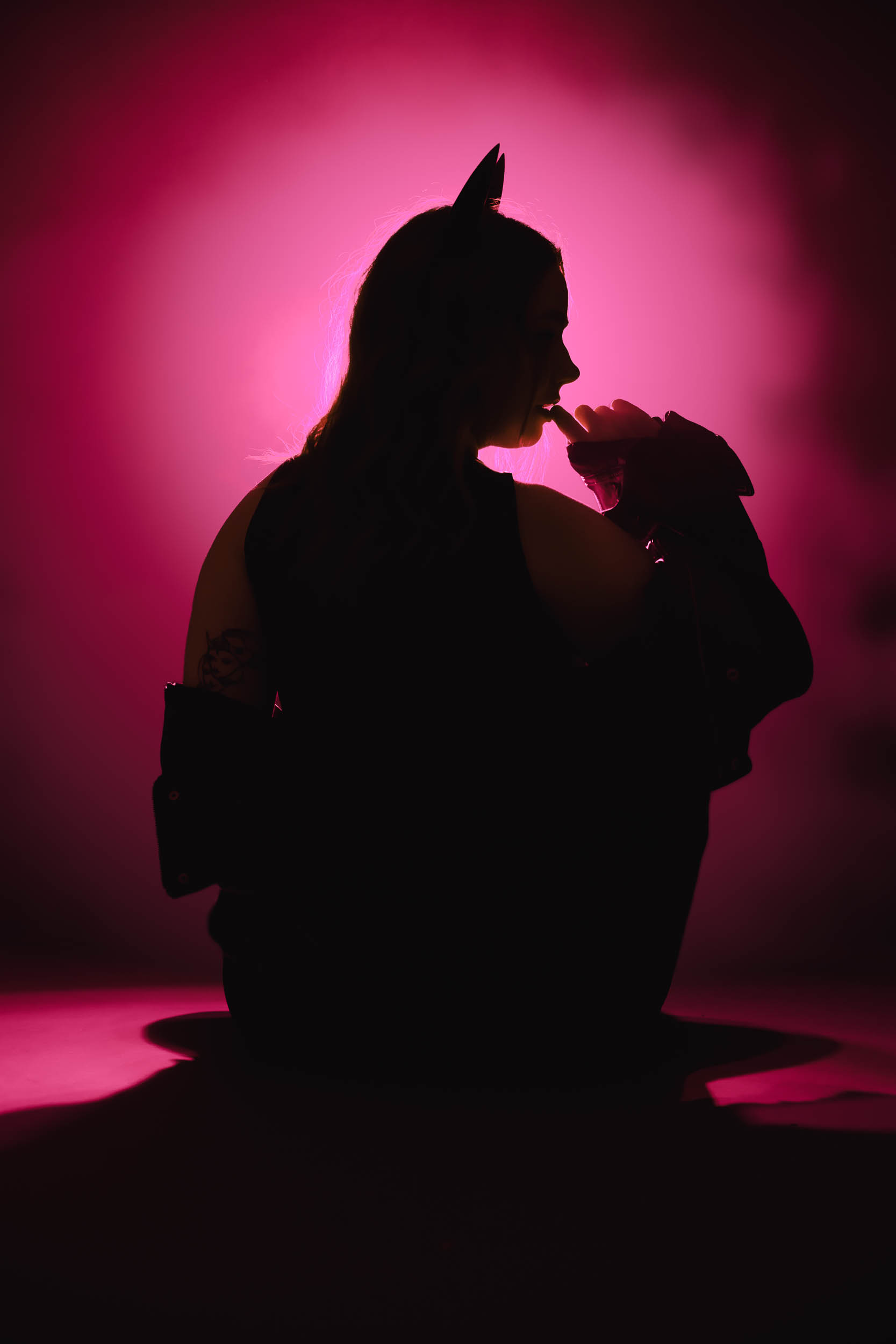
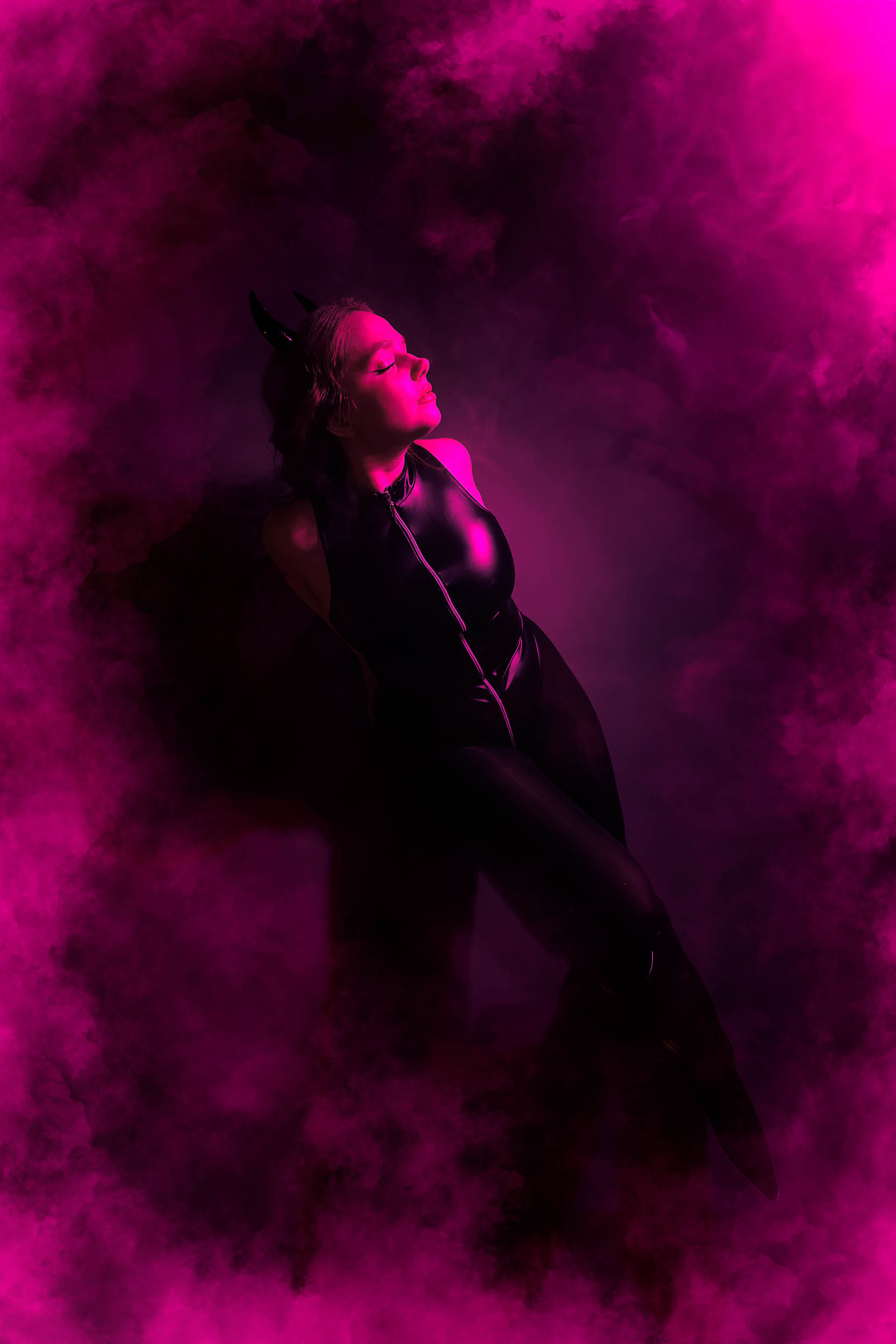
That quickly answered the most important question for me: yes, the X100 RGB is bright enough. With the reflector I had enough headroom as a key light, and even in pink the light was strong enough to make the fog really glow. For such a small light, that surprised me a little. In the lab, with the reflector it delivers roughly as much light as the Godox ML150RF and the Nanlux Evoke 150C, and both of those are 150-watt lights. For 100 watts, the X100 RGB is really efficient.
For RGB colours I mostly use pink and blue, and both look really intense. A saturated yellow is harder. On the X100 RGB it has a slight green tint. That’s pretty typical for a regular RGB light, though, and I’ve come across it on other lights as well.
I didn’t notice any banding or flicker. I didn’t specifically test with very fast shutter speeds, though.
Skin Tones and Colour Temperature
I’m quite happy with the skin tones. I mostly worked with warm light, because it makes skin look more natural and less red. That’s exactly where the X100 RGB is strongest. The TM-30 test in the lab report shows this too: in the warm range, the red and orange tones where skin tones sit are reproduced very accurately.
The inaccurate colour temperature in the daylight range, on the other hand, also showed up in practice. If you set 5500 K or 6500 K, the light is noticeably cooler than it should be. Sure, you can correct that in editing or with a slightly lower Kelvin setting. So it’s not really bad, but it’s simply more tedious than with other lights. Zhiyun says the deviation is within tolerance. What can you do.
The lab report also showed that the colour temperature shifts when dimming. I didn’t compare that directly in use. If you dim down a lot, though, keep an eye on the white balance.
Power, Battery and Fan
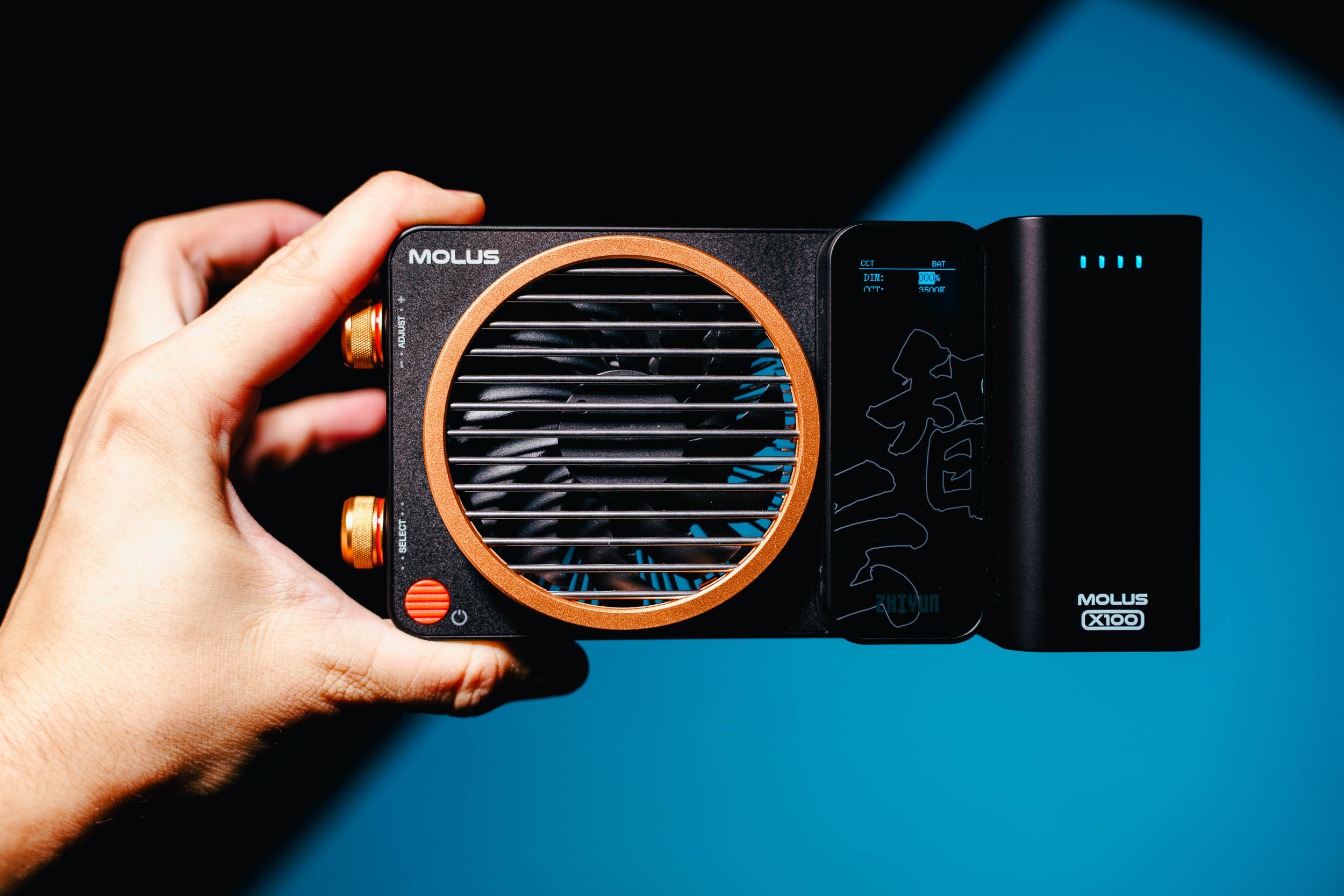
I tried every power option: power supply, USB-C and battery grip. USB-C is the one I liked most. The light shows how much power the connected source can deliver at most via Power Delivery. If that isn’t enough for full output, the X100 RGB simply adjusts its power. So you immediately know where you stand and don’t have to guess why the light isn’t running at full power.
The battery grip is great in use, especially when you want to set the light down somewhere quickly or hold it in your hand. Unfortunately, battery life is rather short, and the battery doesn’t charge while it’s attached to the light. So you have to take it off to charge it. The mains connection is a simple barrel plug without a lock. If someone on set catches the cable, the plug comes out quickly.
The fan didn’t bother me for videos. It’s at most slightly audible, and it wasn’t a problem for the audio recording. If the microphone is right next to the light, though, you do hear it. The X100 RGB isn’t as quiet as the M60Ultra, but definitely quiet enough for most situations.
Compared to My Other Lights
When I compare the X100 RGB with the M60Ultra, the ML150RF or the Evoke 150C, it ranks behind all of them in light quality. The colour temperature in the daylight range in particular is much more accurate on the other lights. Light output is a completely different story: for its size and its 100 watts, the X100 RGB gets a lot out of it.
What impressed me most in use are the compact size, the low noise and the brightness. Everything fits in a backpack, and a larger backpack could theoretically hold four or five of these lights with ease. What bothered me most were the short battery life, the on-device controls with the monochrome display and the fact that the battery can’t be charged on the light.
Conclusion: Who Is the Zhiyun Molus X100 RGB For?
In use, the Zhiyun Molus X100 RGB won me over above all with its combination of compact size, quiet operation and lots of light. With the reflector it comes close to much larger 150-watt lights, skin tones look really beautiful with warm light, and colours like blue and pink look very intense. On top of that come a good case and an accessory system that can be expanded sensibly.
It isn’t perfect, though. In the daylight range the light runs too cool, a saturated yellow is hard to get, and the battery life, the on-device controls and the missing tilt bracket show where corners were cut.
I’ll definitely keep using the X100 RGB and would buy it myself. It’s the best fit for content creators who travel a lot and combine photo and video. If, on the other hand, you work a lot with daylight colour temperatures and need to match several lights exactly, you’re better served by a more accurately calibrated light. For everyone else: the X100 RGB is an excellent option for any creator who wants a lot of power in a small package.
You can find all measurements in the lab report on the Zhiyun Molus X100 RGB:
ZHIYUNMM10 at checkout to save 10% when buying the Zhiyun Molus X100 RGB via Amazon. The spotlight attachment is also available on Amazon.
Product Comparison

Zhiyun Molus X100 RGB
Features
- 100W RGB COB light
- White light 2500K-10,000K plus full RGB
- 10% off with code ZHIYUNMM10

Zhiyun Spotlight Attachment G1 (ZY Mount)
Features
- Projection attachment with 10 gobos
- Fits X100, X60, CX100, G60 and CX50
Disclaimer:
The Zhiyun Molus X100 RGB was provided to me by Zhiyun for this review, and I was allowed to keep it after the test. I received no compensation for the review or its publication. All impressions and opinions are my own, based on my experience with the light, and were not influenced by external parties.