Godox X3 Pro vs. XPro – Which Flash Trigger Is Really Worth It?
- Marvin Kuhn
- Reviews , Photography
- February 26, 2026
Table of Contents
Flash triggers are the nervous system of modern flash photography. They determine how quickly, reliably, and intuitively you can control light.
With Godox, many photographers are currently facing a typical question: Godox X3 Pro with touchscreen and app – or the proven XPro with classical controls?
Both are based on the Godox X 2.4 GHz System and deliver comparable reliability. The differences lie in operating philosophy, workflow, and long-term durability – exactly what I’m examining in this Godox X3 Pro vs XPro comparison.
Quick summary:
👉 The Godox X3 Pro is designed for photographers with complex multi-light setups and studio workflows.
👉 The XPro is the better choice for events, weddings, and anyone who wants to work fast and blind.
Technical Specs in Direct Comparison
| Feature | Godox X3 Pro | Godox XPro |
|---|---|---|
| Control | Touchscreen + 3 Buttons | Buttons + Dial |
| Display | 2.4" LCD Touchscreen | Large backlit LCD |
| Battery | Built-in Li-Ion Battery (~2930 mAh) | 2× AA Batteries |
| Charging | USB-C (≈2 h) | – |
| Standby Time | approx. 35 days | depends on batteries |
| Groups | 16 | 16 |
| Channels | 32 | 32 |
| Wireless ID | 99 | 99 |
| Range | up to 100 m (manufacturer spec) | up to 100 m (manufacturer spec) |
| Bluetooth | Yes | No |
| Weight | approx. 103 g | approx. 120 g |
Control Concept: Touchscreen vs. Dial
Godox XPro: Classic, Fast, Blind-Operable
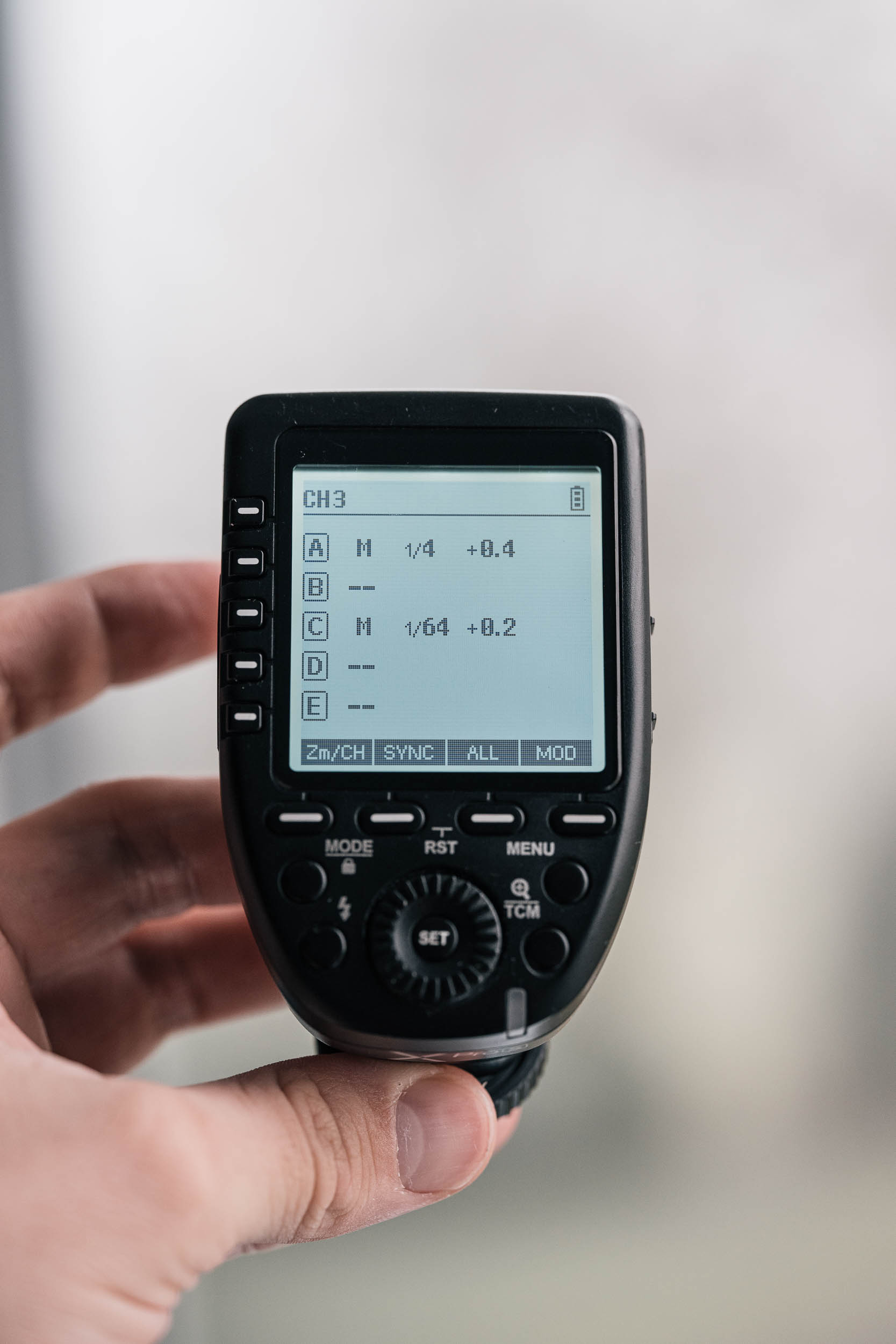
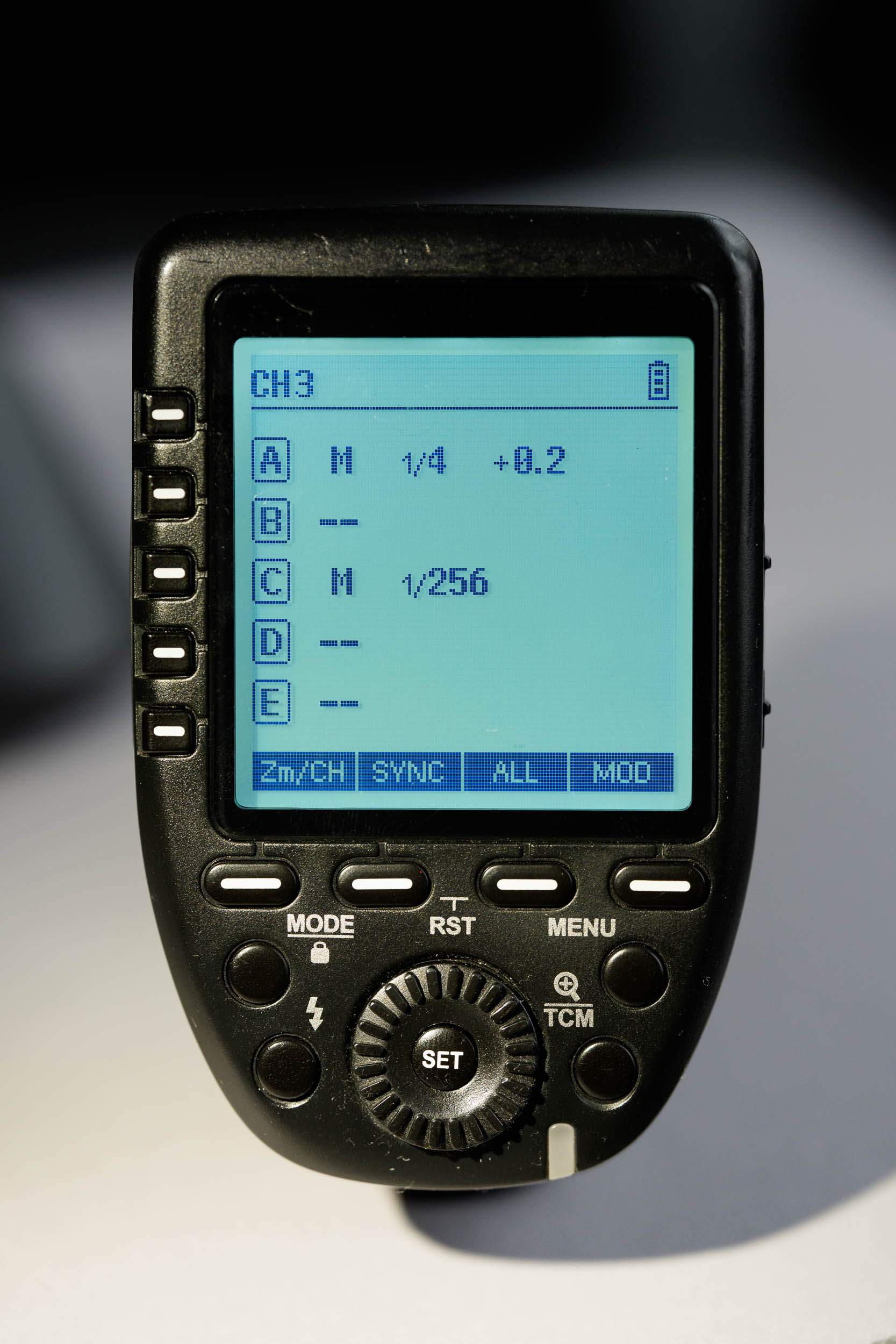
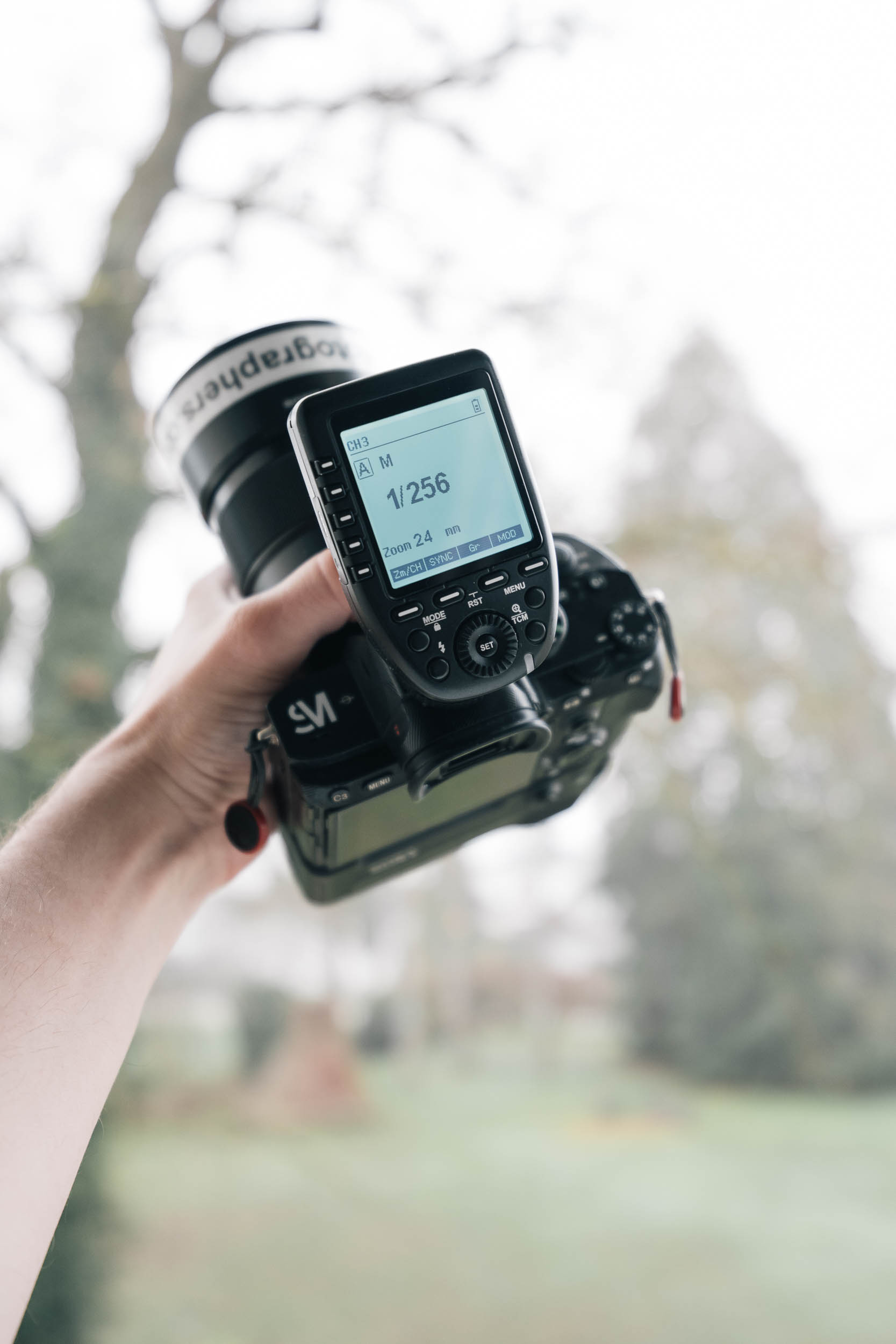
The Godox XPro is designed for photographers who work under time pressure and rely on haptic feedback. The dial and buttons allow quick power adjustments without taking your eye off the subject. This is particularly valuable at weddings, reportage, or events.
The large, high-contrast display shows all groups simultaneously and remains easily readable even in bright ambient light. The menu structure is flat, logically organized, and has remained virtually unchanged for years – a plus for anyone who has been working with Godox for a long time.
Godox X3 Pro: Modern, Visual, Feature-Rich
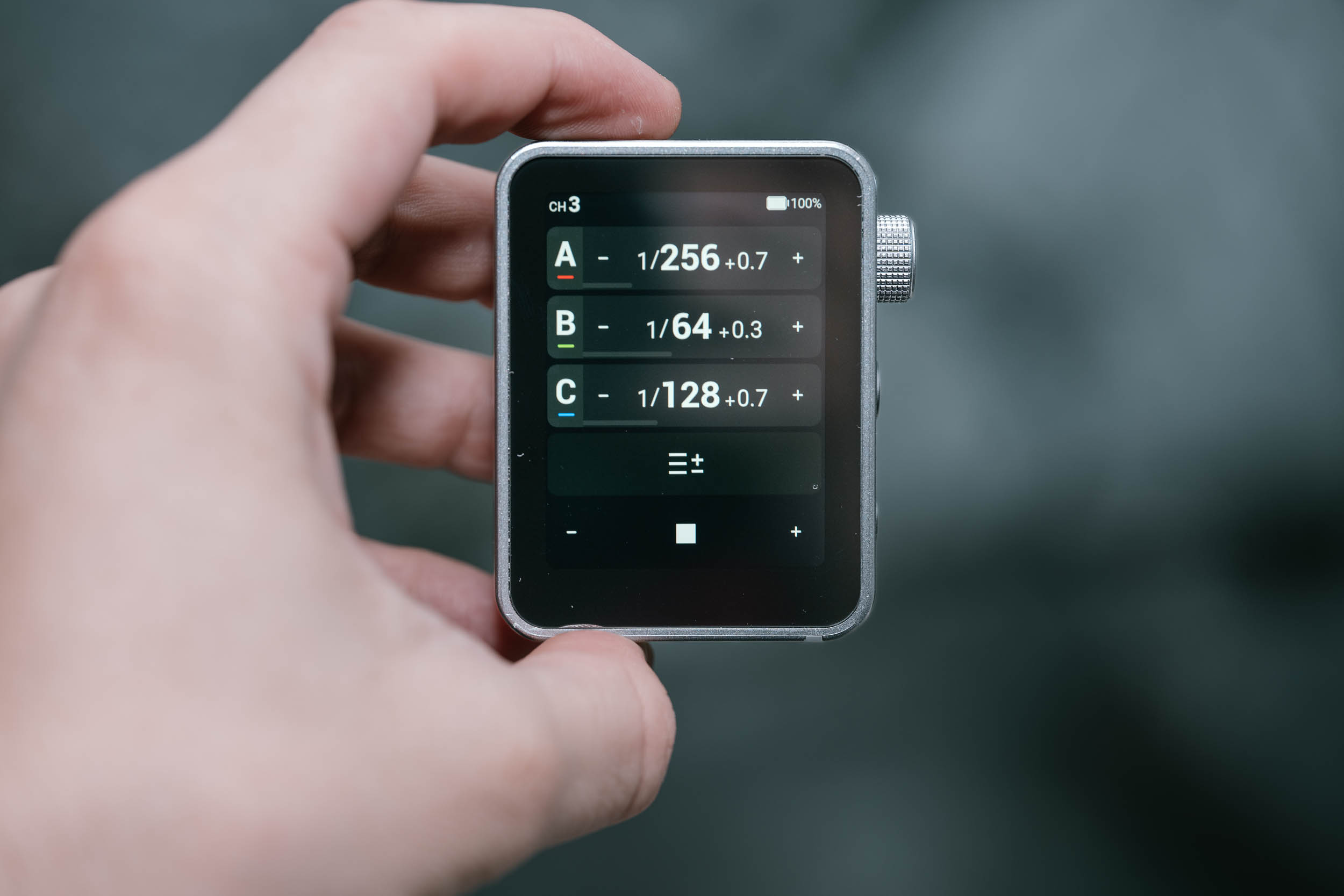
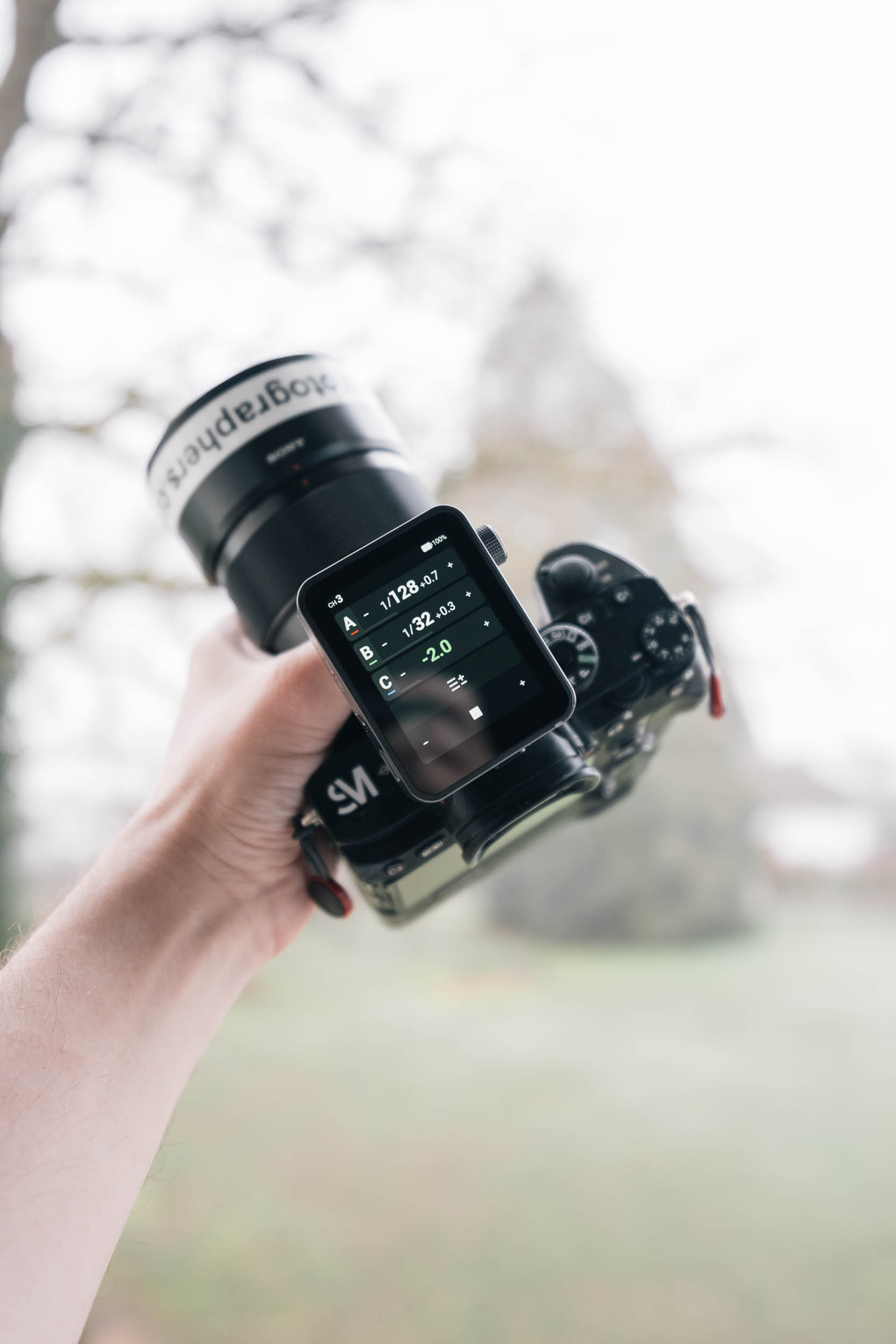
The X3 Pro takes a different approach. The large touchscreen allows very visual control over multiple flash groups simultaneously. Power changes, zoom, modeling light, or TTL/manual switching are all visible directly on screen.
This is a clear advantage, especially for complex multi-light setups in the studio or product photography. Additionally, you can save and quickly load profiles, which saves time with recurring light setups.
The downside is inherent to the concept: touchscreen operation requires attention. Quick adjustments “blind” are hardly possible, which can be a real disadvantage in stressful situations. Another point is readability in direct sunlight – here the display can reflect and obscure the view, which is less of an issue with the XPro and XPro II.
What Really Matters in Everyday Use
Size and Form Factor
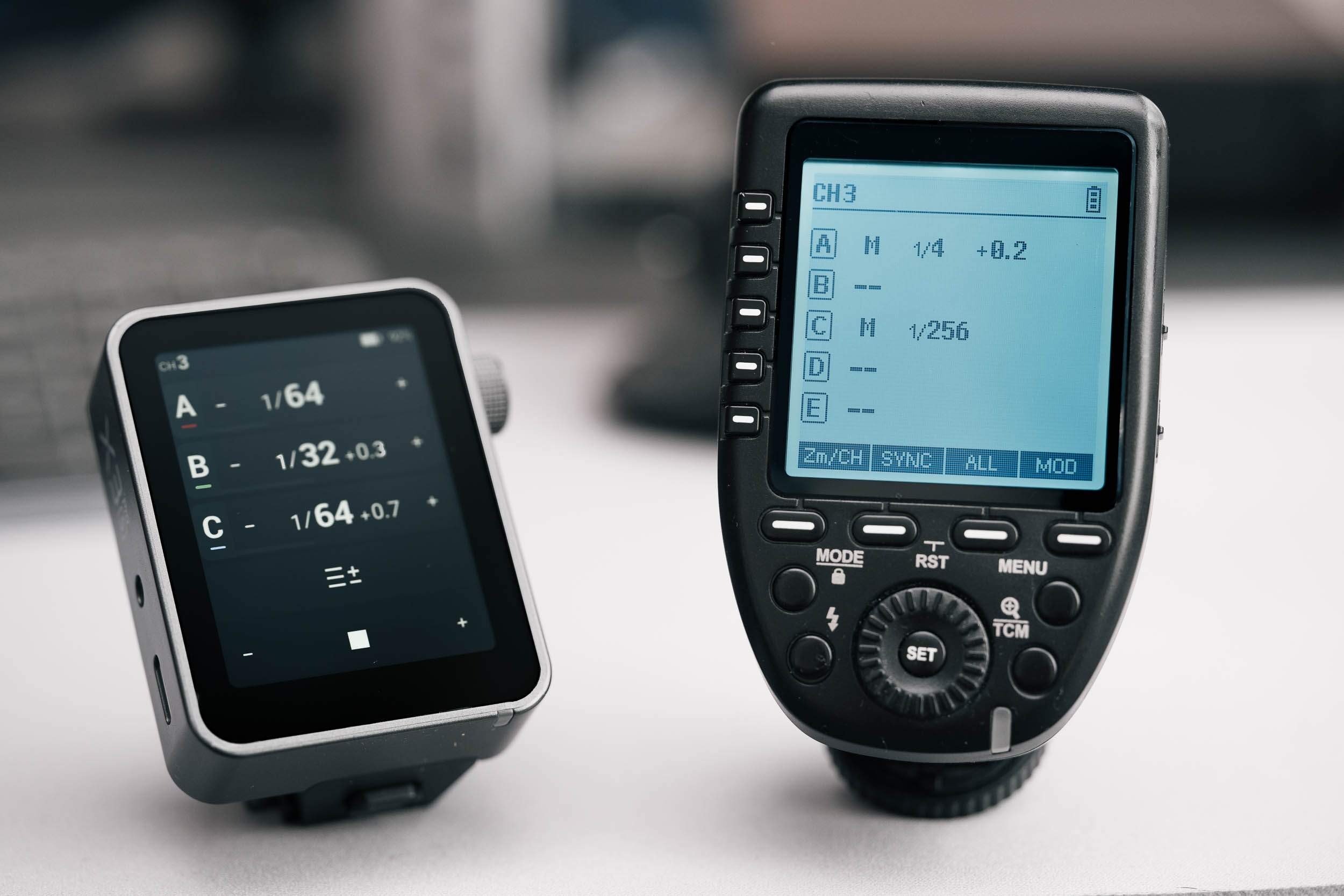
An often overlooked but very relevant point in daily use is the form factor. The X3 Pro is significantly more compact and smaller than the XPro, yet still offers an almost equally large display. In practice, this has a noticeable advantage: the trigger doesn’t protrude as far from the camera and doesn’t get caught on camera bags, straps, or other gear as easily. When transporting in tight bags or switching quickly between cameras, it’s more convenient. The XPro appears somewhat bulkier by comparison.
Battery vs. Batteries – Convenience vs. Long-Term Robustness
The X3 Pro uses a built-in lithium-ion battery that charges via USB-C. This is convenient, modern, and pleasant in everyday use – no battery swaps, no buying AAs. From a sustainability perspective, this concept feels contemporary.
At the same time, it comes with two clear drawbacks: if the battery is empty, you can only charge – a quick swap on the go isn’t possible. And if the battery loses capacity over years or fails, the entire device is often affected in practice.
The XPro uses classic AA batteries. It’s less elegant, but extremely flexible. Replacements are available everywhere, and on long shoots or outdoor sessions without power, the system remains more robust. The only downside is that the battery cover can wear and get lost over time.
Bluetooth & App Control – Real Value or Gimmick?
Here the wheat separates from the chaff. The Godox X3 Pro offers Bluetooth connectivity and can be controlled via the Godox Flash App. This enables:
- Remote control of flash power and groups
- Adjustments from a distance (e.g., with an assistant)
- Creative shutter functions like timer, time-lapse, or long-exposure sequences
- optional remote camera triggering via compatible receivers
For studios, product photography, or complex setups, this isn’t a gimmick but a real workflow gain.
The XPro completely lacks app integration. It remains a pure, wireless-based tool – simple, direct, and reliable.
Range and Stability in Real-World Testing
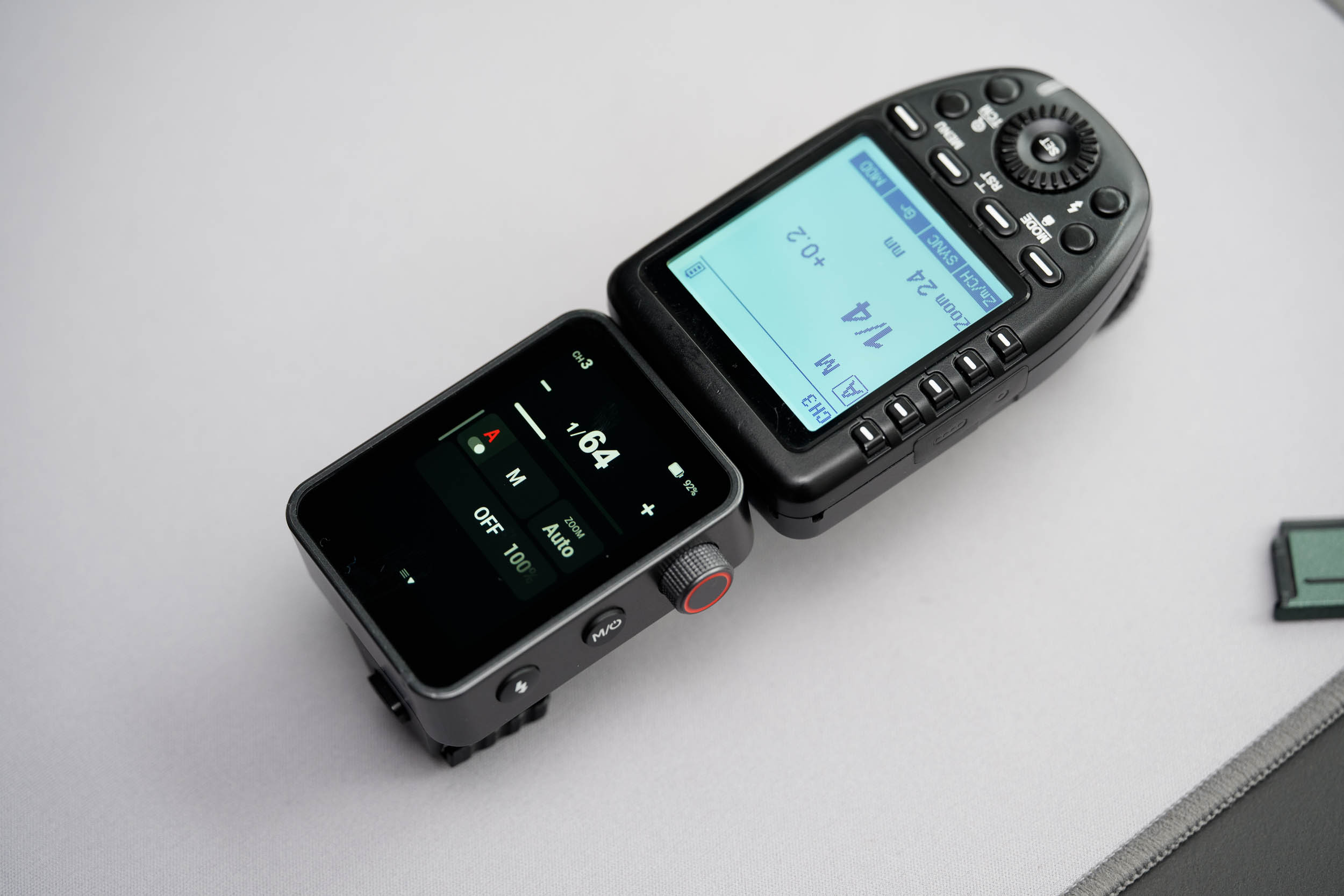
In real-world use, both triggers show a very similar picture. Up to about 60 meters, both worked absolutely reliably. The 100 meter range claimed by Godox could not be consistently verified under practical conditions, though this is largely irrelevant for most photography applications. If you work in a studio, you should switch to 0–30 meter mode anyway. Otherwise, it can happen that a flash in immediate proximity to the sender won’t trigger reliably. The connection remained stable even with obstacles like walls or vegetation. No differences in reliability were apparent.
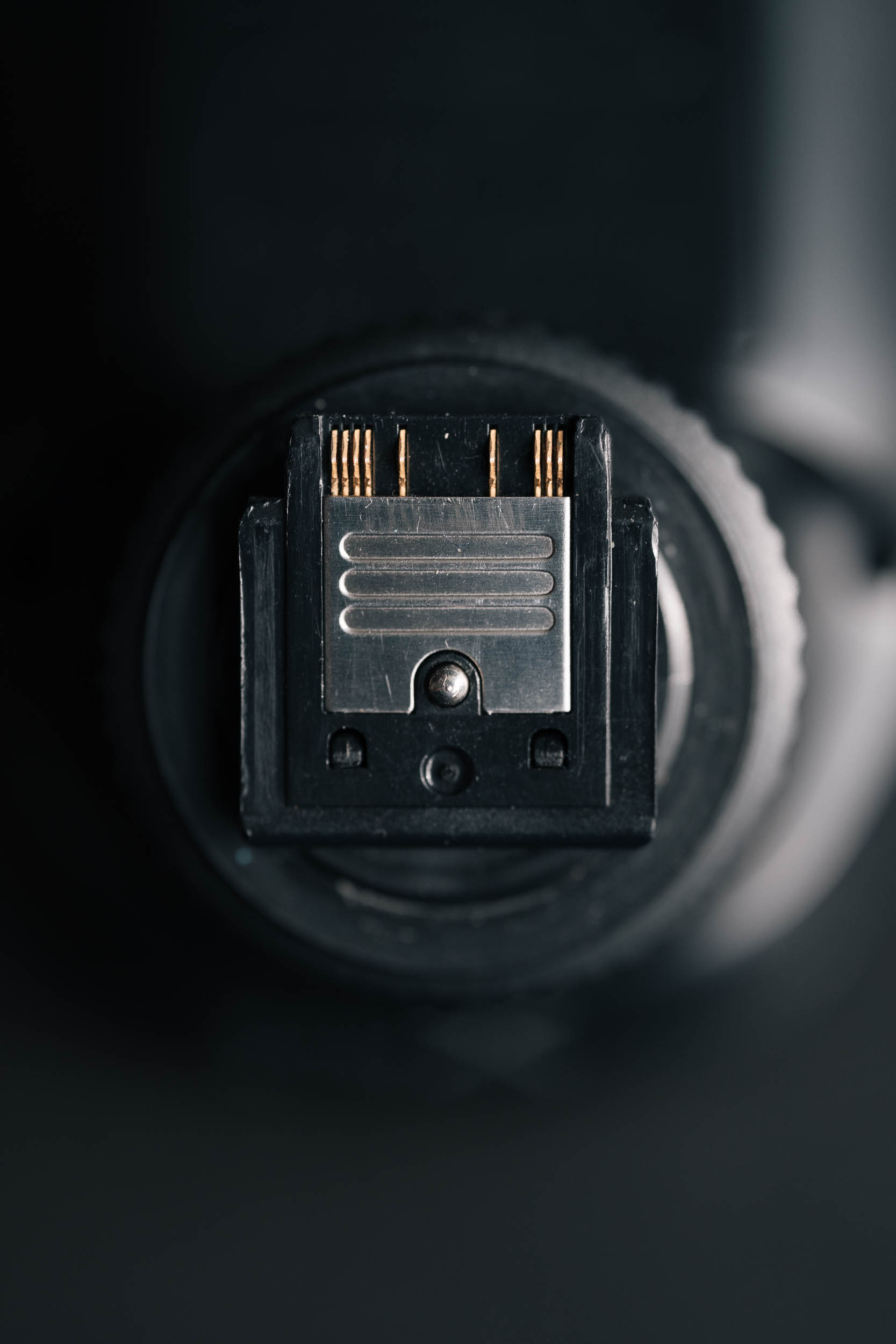
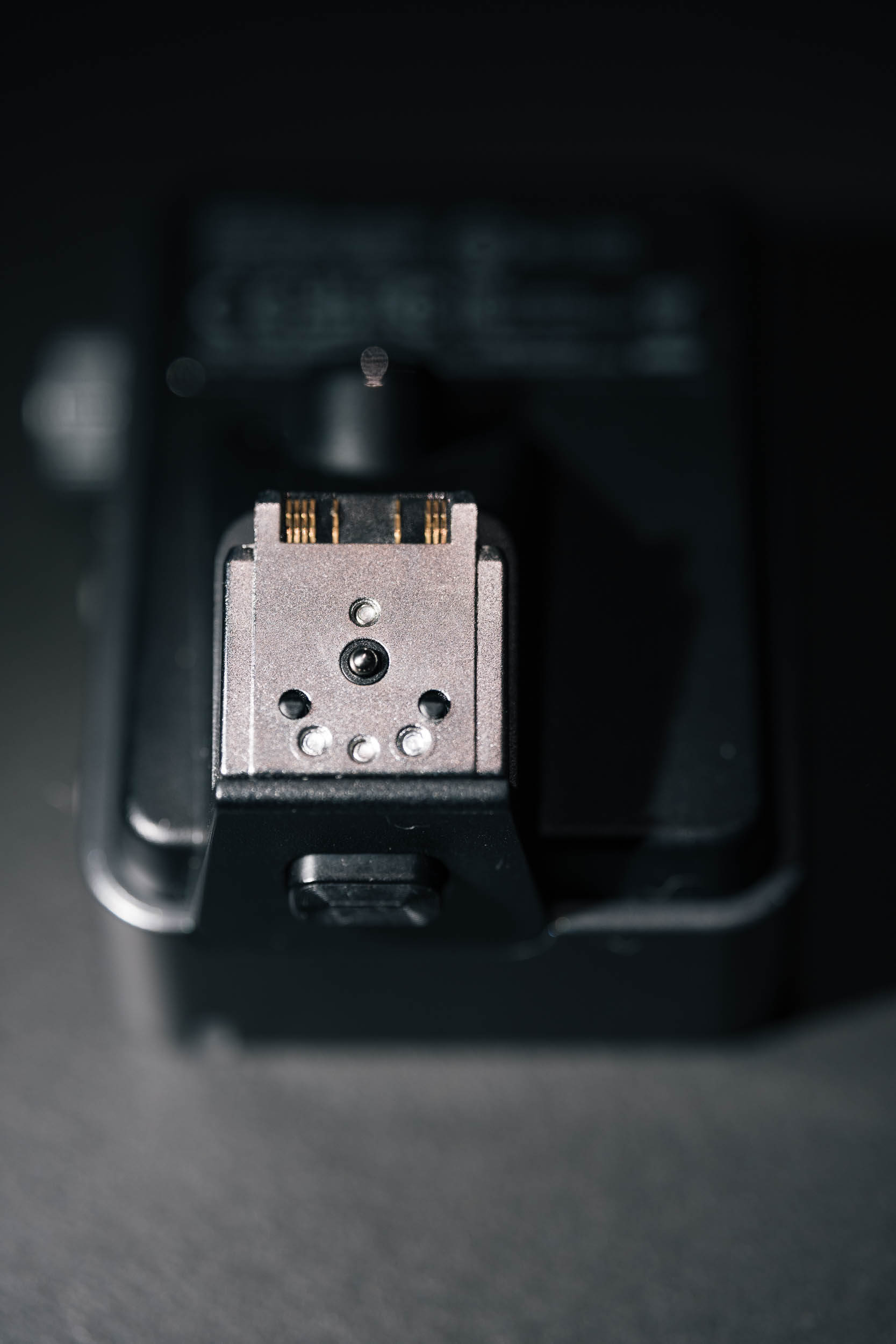
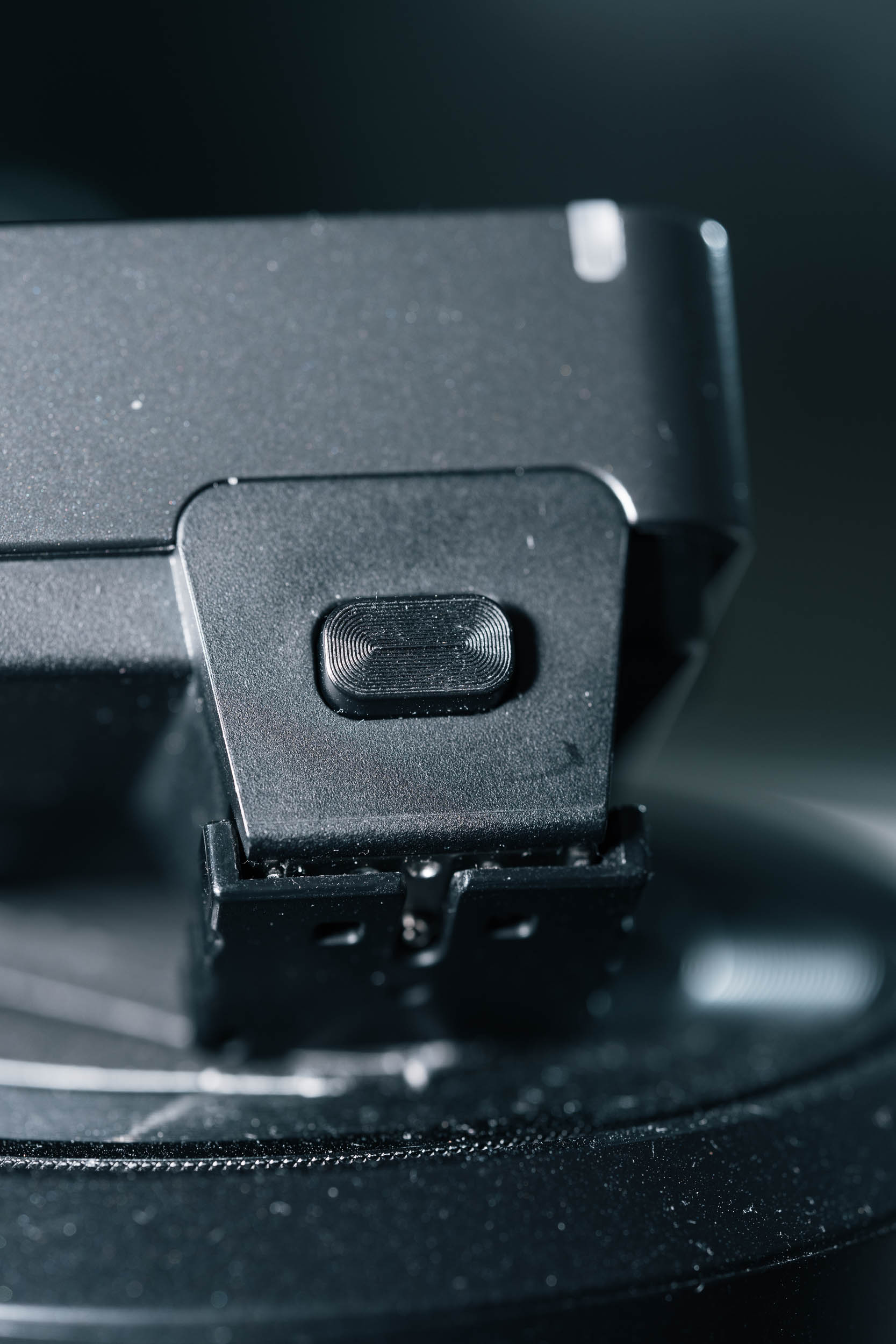
Another aspect is workmanship and construction. Here differences appear that are genuinely relevant in practice. The X3 Pro’s front with glass looks more modern and high-quality, and glass generally scratches less slowly than plastic. The XPro uses plastic here, which looks less elegant but is more resistant to impacts and forgiving of rough handling. There are also clear differences in the flash foot: the X3 Pro comes with metal – which is generally the better base – but has no physical locking mechanism. The XPro uses plastic on the flash foot and also has a physical locking mechanism, while the XPro II uses metal with physical lock on the flash foot. Thus, both the XPro and XPro II have an advantage over the X3 Pro in terms of the locking mechanism regarding safety.
Since the X3 Pro relies on touchscreen operation, it has only a few physical buttons. The buttons themselves feel good, but the dial appears somewhat cheap and raises concerns that it might break with intensive use. The XPro offers more buttons and a dial without press function and conveys an overall more robust impression.
Which Model Is Right for You?
The Godox X3 Pro is ideal if you regularly work with multiple light sources, value modern workflows, and prefer visual control – especially in the studio or planned productions.
The Godox XPro plays to its strengths when speed, muscle memory, and reliability matter. Event, reportage, and wedding photographers benefit greatly from haptic operation.
Breakdown by Experience Level
For beginners, the XPro is often the more intuitive choice, as the direct button logic requires less menu navigation and is quicker to learn. The X3 Pro plays to its strengths more when you already work in a structured way with groups and setups and can intentionally use the advanced features.
Conclusion: Two Concepts, One System Foundation
The Godox X3 Pro is undoubtedly the more modern system: touchscreen, app integration, profiles, and creative add-on features make it a powerful control center for complex light setups.
The Godox XPro, on the other hand, is the workhorse. No frills, no distractions – just maximum control, speed, and everyday robustness.
Pros and Cons at a Glance
Godox X3 Pro
✅ Touchscreen with visual control
✅ Bluetooth & app control
✅ Compact form factor
✅ USB-C charging
❌ Touchscreen not operable “blind”
❌ Display reflects in sunlight
❌ Battery not replaceable
Godox XPro
✅ Fast button and dial operation
✅ AA batteries available everywhere
✅ Robust dial
❌ No Bluetooth
❌ Bulky form factor
❌ Plastic flash foot (only XPro II has metal)
My personal recommendation in the Godox X3 Pro vs XPro comparison: Studio & Planning → X3 Pro. Events & Speed → XPro. Both are technically mature and reliable – the decision is less a question of “better,” but of working style.
Produktvergleich

Godox X3 Pro Transmitter Sony
Features
- Touchscreen-Display
- Bluetooth-Konnektivität
- App-Steuerung über Godox Flash App
- Profile für verschiedene Kameras und Blitze
- Kreative Funktionen wie Stroboskop-Modus, HSS, etc.

Godox X Pro II Transmitter Sony
Features
- Bluetooth-Konnektivität
- Reichweite bis 100m
- Stromversorgung: 2*AA-Batterien
- Anzeige: Großes LCD-Display, Hintergrundbeleuchtung EIN oder AUS
- Kanal: 32